PlatformDTC Inbox

Every customer email, answered with the order in view

Customer emails to your store's own address land in one inbox, beside their recent orders. Your support agent drafts or sends the reply.

Don't have a PlatformDTC store? Get started with a Get started.
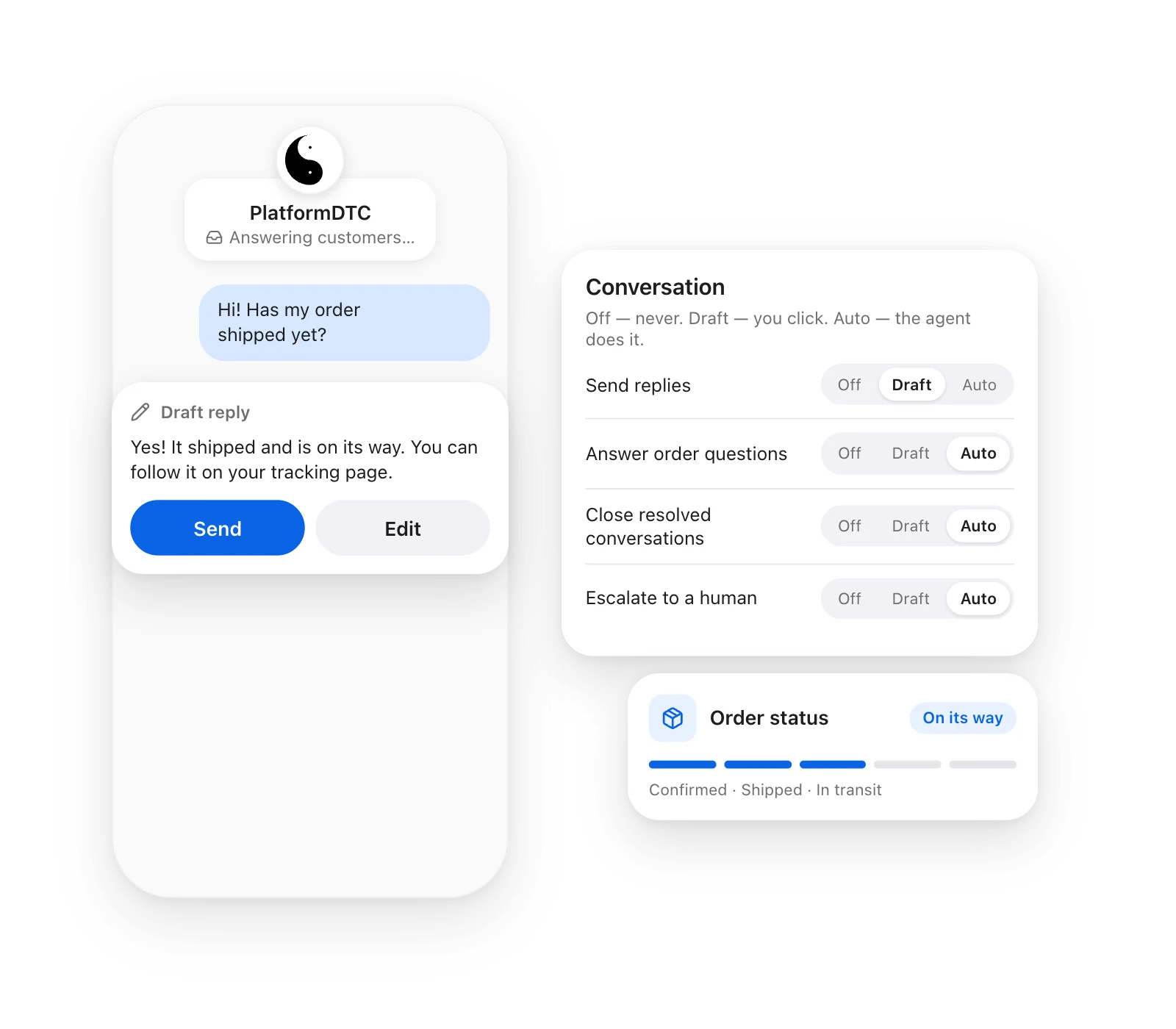
The PlatformDTC agent drafting a reply to a customer, with its Off / Draft / Auto settings and the order's status.

How PlatformDTC Inbox works

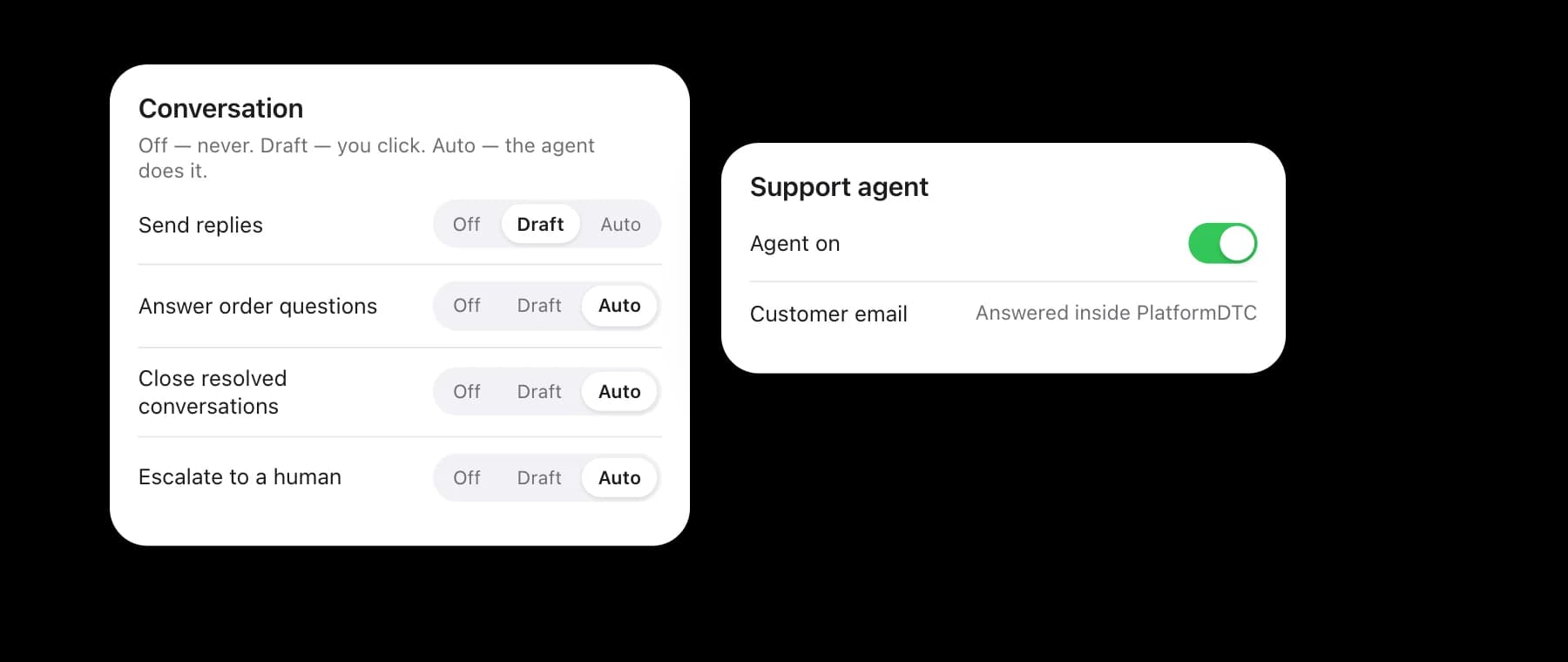
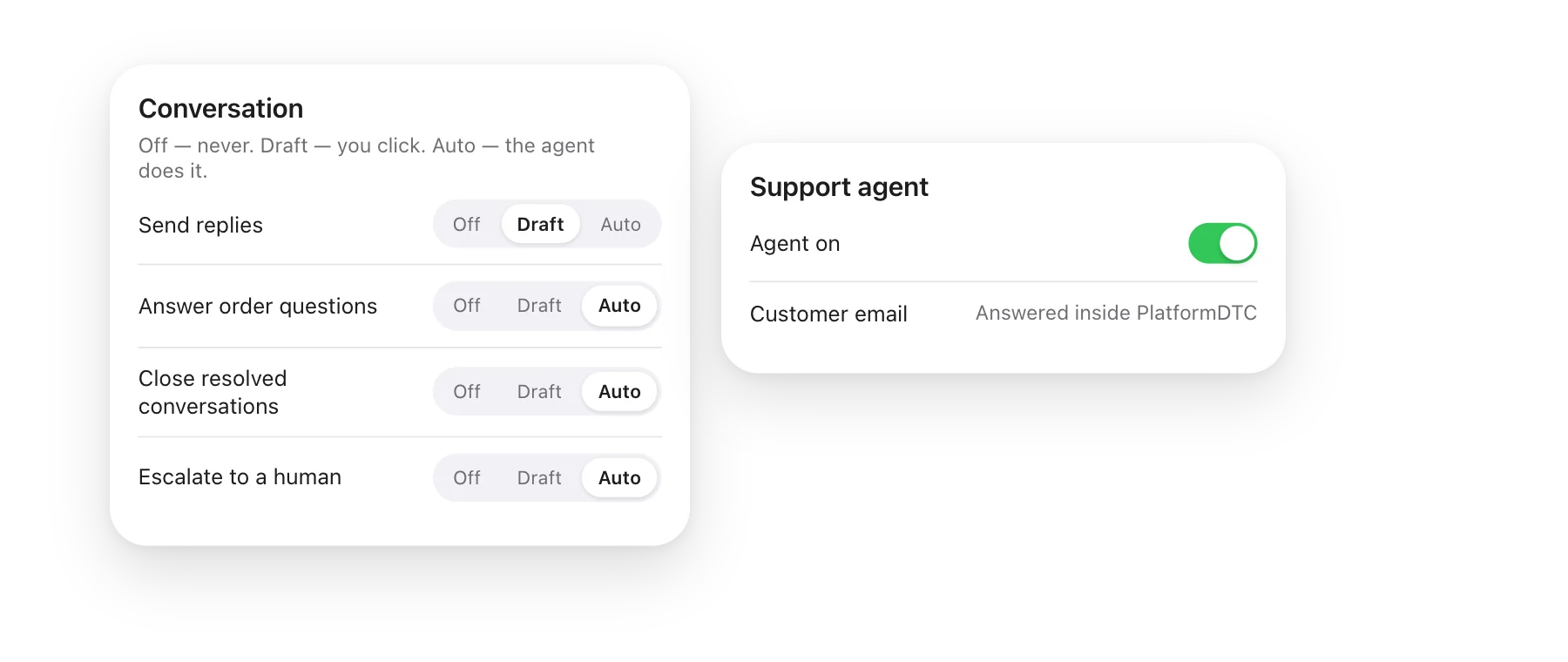
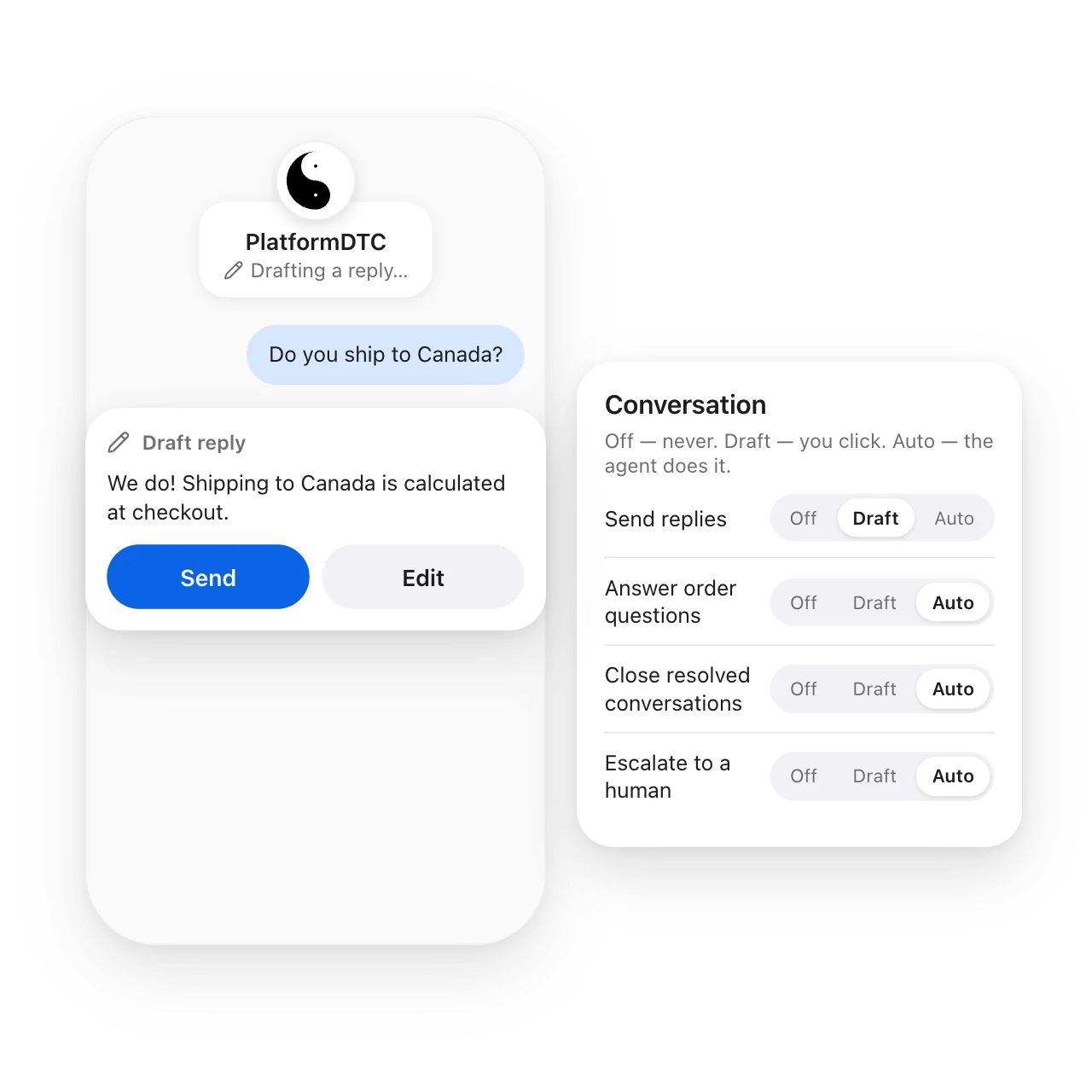
PlatformDTC support agent settings: each action set to Off, Draft or Auto.

Set it up once

Connect your store's contact address, then choose Off, Draft or Auto for each thing the agent may do.
A mobile and desktop screen of PlatformDTC inbox showing a message from a customer.

Every conversation in one place

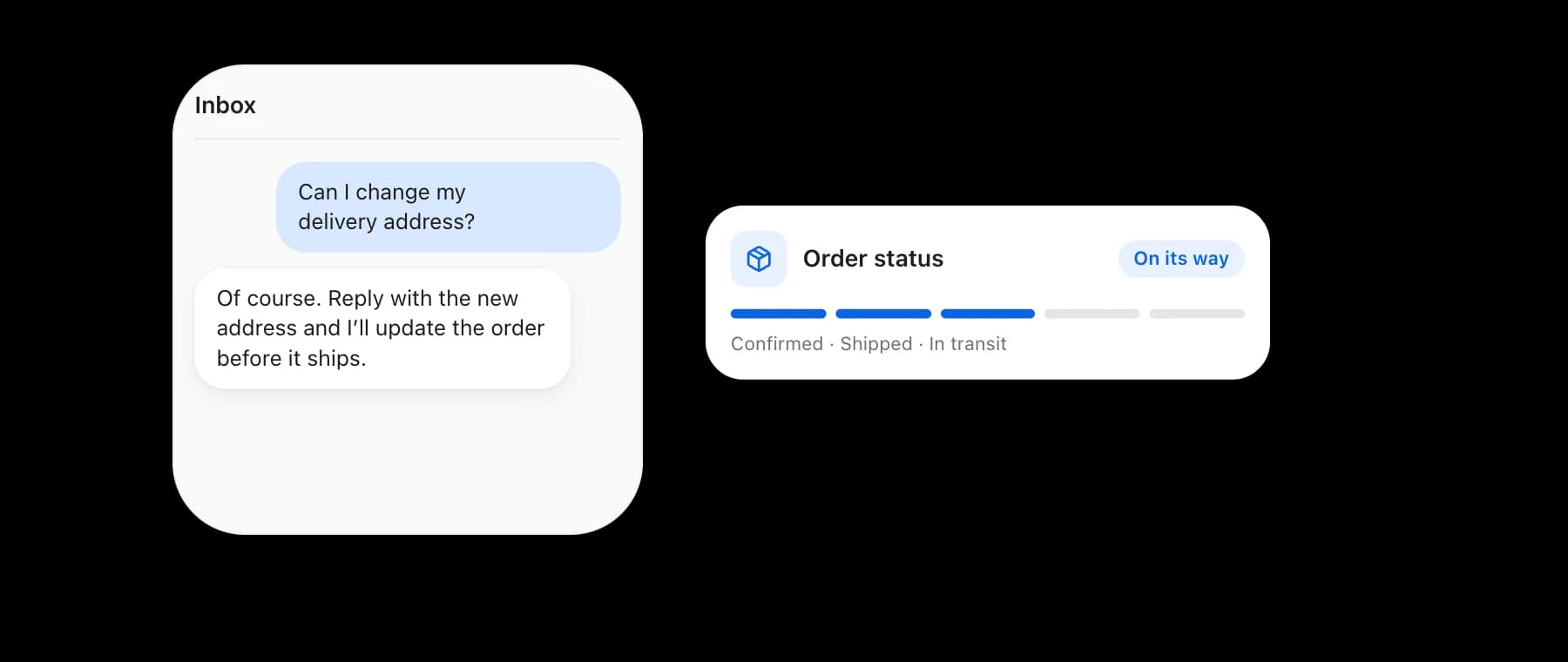
Read, reply and close conversations from your admin, with the customer's recent orders beside the thread.
Instant answers interface showing suggestions for questions and answers to common queries.

Answer instantly

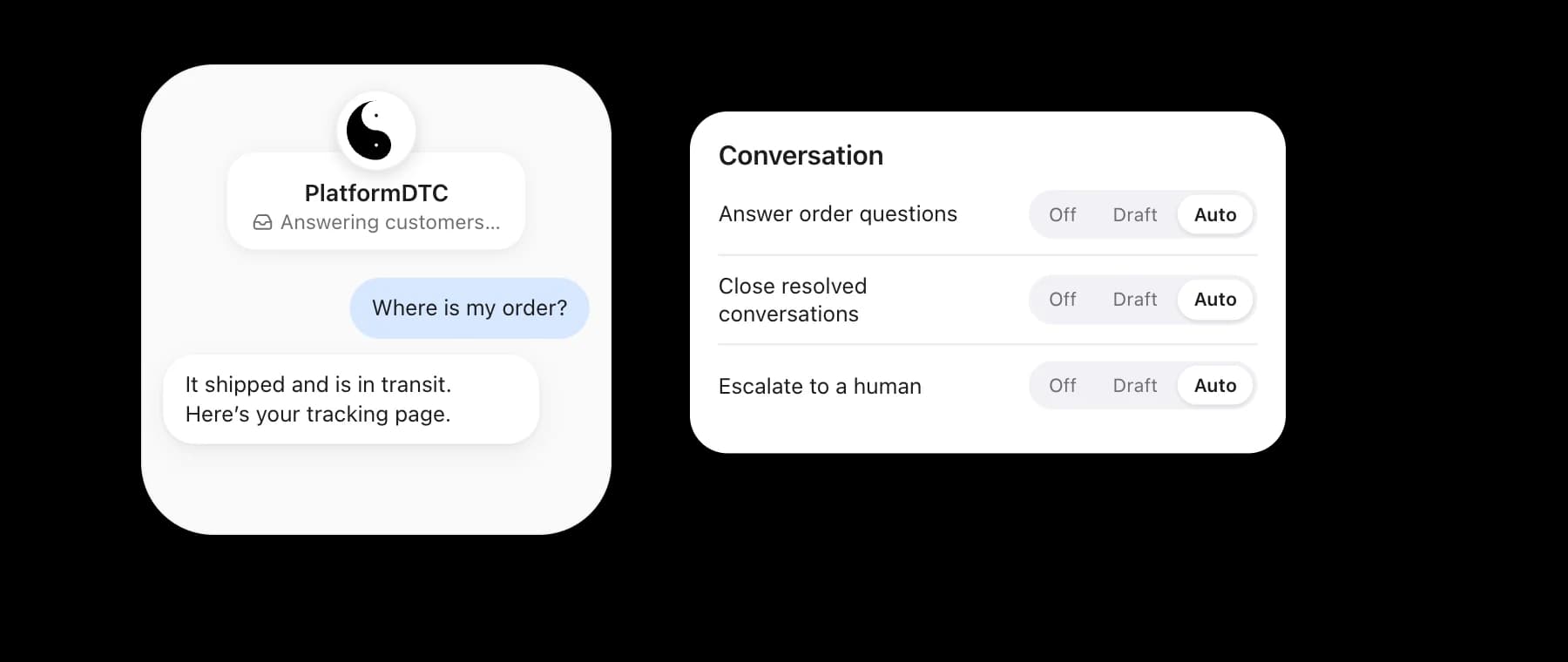
The agent reads what each customer is asking for and answers order-status questions straight from the order.

Context in every conversation

Know who you are talking to

Orders beside the thread

See the customer's recent orders next to their message, one click from the full order.

Hand-offs when it matters

Anything the agent should not handle alone is escalated to you instead of answered.

Message classification

Each message is sorted by what the customer wants, such as cancel, pause or skip, and how they feel, so frustrated customers are easy to spot.
A customer conversation in PlatformDTC Inbox with the customer's orders alongside.

Empower yourself and your team

Help more customers in less time

The support agent drafting a reply in PlatformDTC Inbox.

Keep subscribers

When a subscriber asks to cancel, the agent can offer a pause, a skip or a discount first, and carries out whichever they choose.

Generate suggested replies

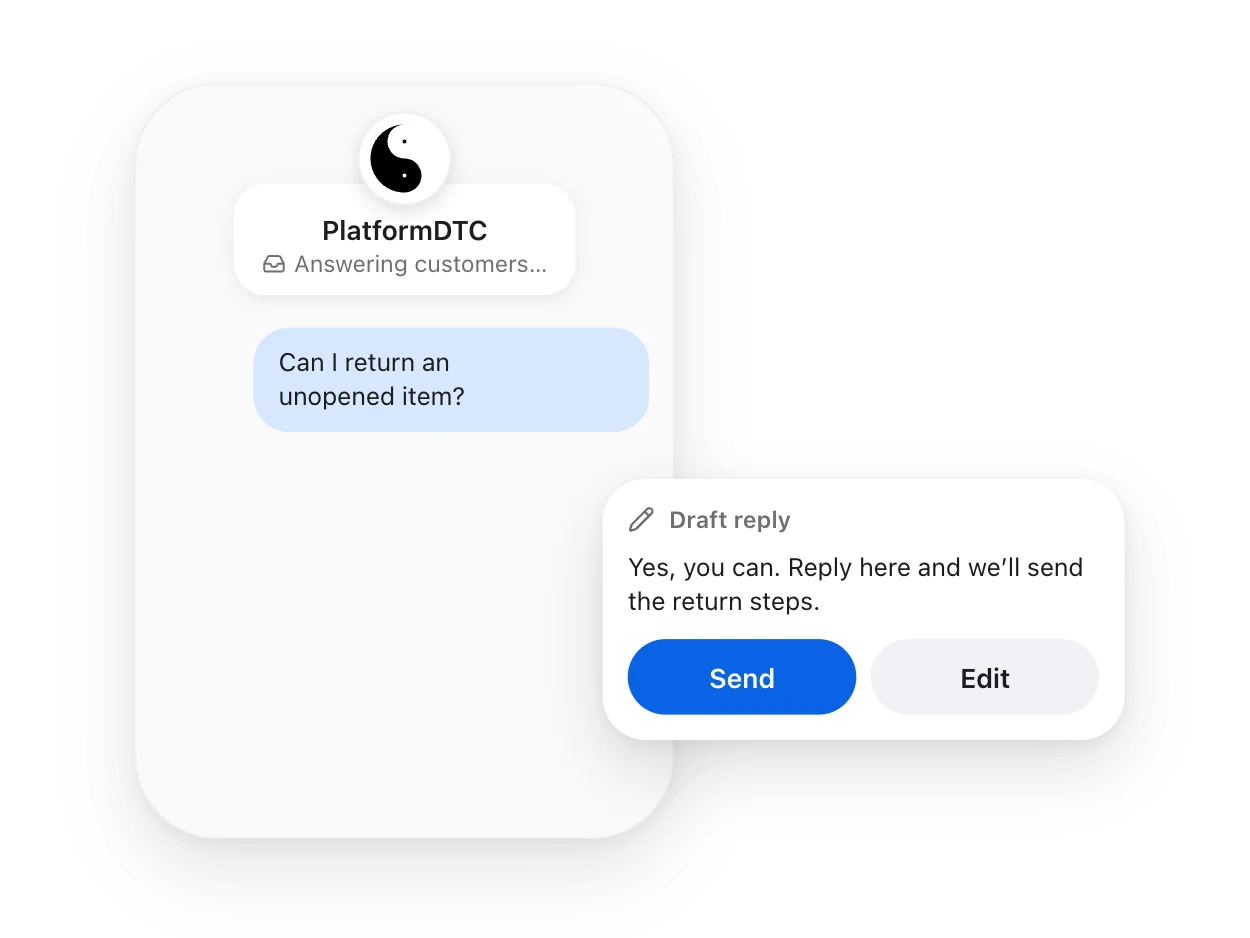
Every reply starts as a draft grounded in the customer's orders. Review, edit and send, or let it send on Auto.

Order status

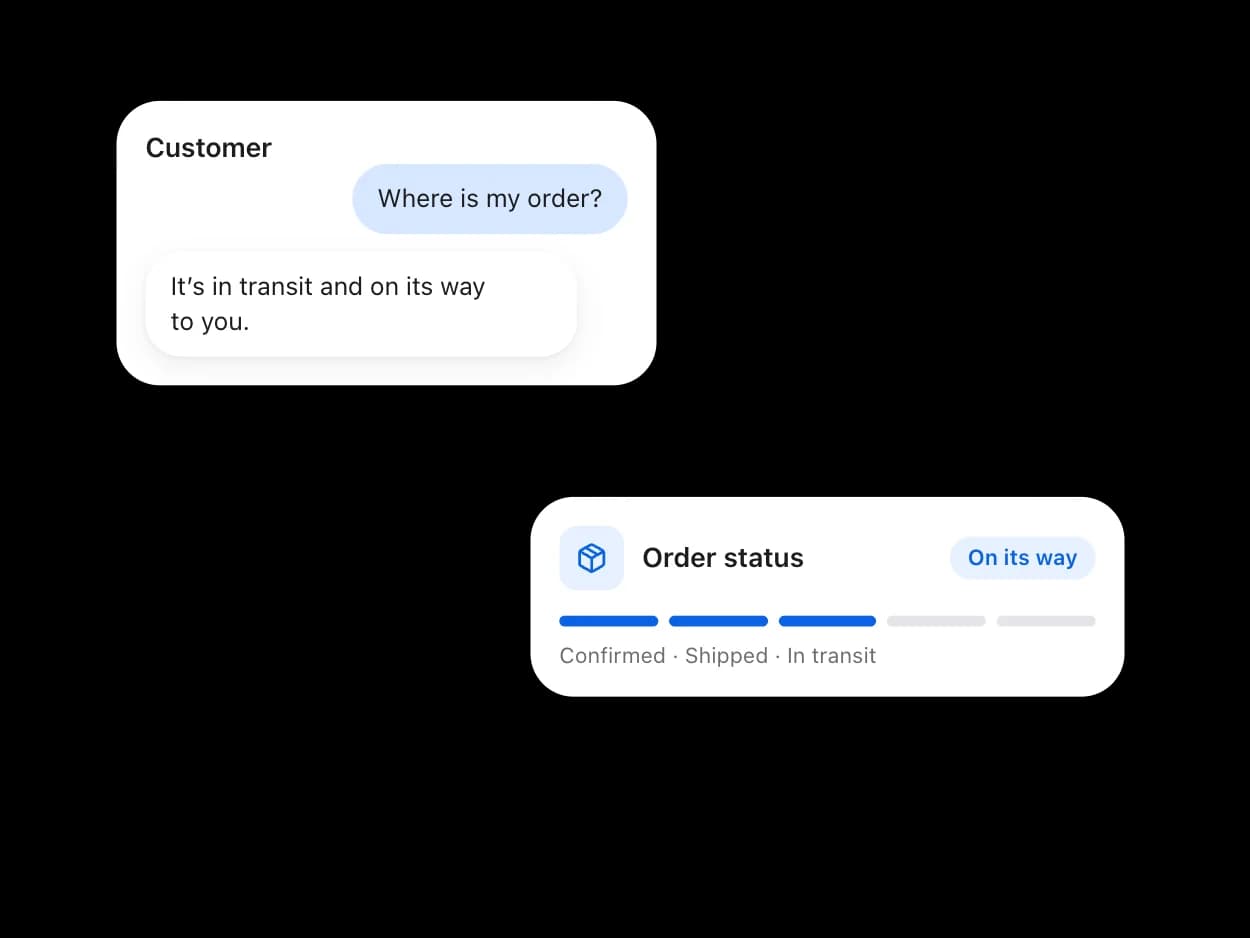
Where is my order? The agent answers from the order itself, so you don't have to look it up.

Support on your terms

Customers expect answers fast. With PlatformDTC Inbox the first draft is already written when you open a conversation, grounded in the customer's orders and subscription.
A customer conversation in PlatformDTC Inbox with the reply the agent drafted.

Replies on your terms

Set each agent action to Off, Draft or Auto: review every reply before it goes, or let routine answers send themselves.

Your store's own address

Customers write to your store's contact address and get answers from it. Replies, attachments and the whole thread stay in PlatformDTC Inbox.

Resources to help you get started

Help Center

Learn more about PlatformDTC Inbox.

Visit Help Center

Guide

How the built-in support centre and its agent work, screen by screen.

Read the guide

Support

Reach out to our dedicated support team if you need help.

Contact support

Answer every customer, fast

PlatformDTC Inbox is the support inbox built into your admin, with an agent that knows your orders and subscriptions.

Don't have a PlatformDTC store? Get started with a Get started.