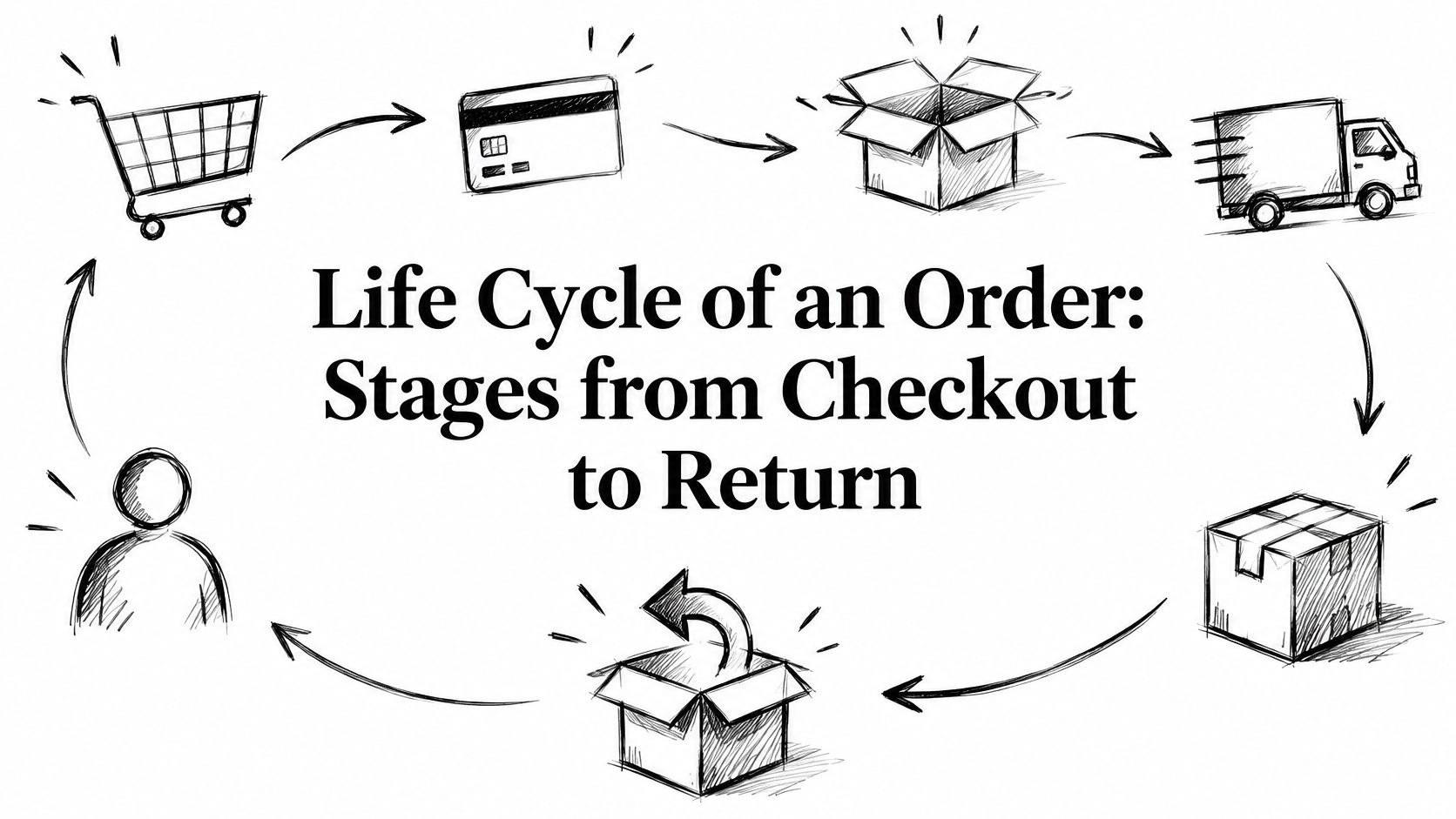
A shopper taps Buy on a jacket, receives a confirmation email, and waits. Behind the scenes, your team still has to secure the stock, confirm payment, pack the parcel, and keep the delivery promise. If the jacket doesn't fit, the work continues after it comes back.
For the shopper, it's one purchase. For your business, it's a chain of handoffs. Understanding the life cycle of an order means knowing what must happen at each handoff, who owns it, and how to recover when something goes wrong.
Table of Contents
- Order Lifecycle Stages at a Glance
- How an Order Moves Between States
- Keeping Payment and Stock Right Through Retries
- Handling Shipping and Tracking Exceptions
- What Returns Change After the Sale
- Following One Order From Checkout to Close
- Map Your Own Order Lifecycle Before You Scale
Order Lifecycle Stages at a Glance
The life cycle of an order is the sequence of states an order record passes through, from placement to closure. That record should connect the customer's choices at checkout with stock movements, payment activity, delivery updates, and any eventual return.
Delivery expectations matter before the warehouse gets involved. In DHL eCommerce's 2024 Online Shopper Trends research, which surveyed 12,000 online shoppers across 24 countries, 48% of global shoppers frequently abandoned their baskets when their preferred delivery option was unavailable.
Shoppers also need accessible information before committing. A clearly labeled FAQ, such as Bridle Up Hope Shop's resource to find answers before you order, gives them a place to resolve questions before checkout.
The handoffs behind a purchase
For a jacket order, the sequence below follows reservation before authorization, with payment capture at shipment. Treat these as working status names, not labels that every commerce system must use.
Order lifecycle stages, statuses and owners
| Stage | What Happens | Order Status | Owner |
|---|---|---|---|
| Placement | Cart becomes an order with its own number | Placed | Storefront |
| Inventory allocation | Units are reserved for this order | Inventory reserved | Inventory system |
| Payment authorization | Funds are held on the card without being taken | Payment pending or authorized | Payment provider |
| Order commit | Order is confirmed to fulfill once reservation and authorization succeed | Committed | Order service |
| Fulfillment | Items are picked, packed and labeled | Fulfilling | Warehouse or supplier |
| Shipment and tracking | Carrier scans the parcel and tracking goes live | Shipped | Carrier and order system |
| Payment capture | Held funds are taken, often at shipment | Paid | Payment provider |
| Delivery | Carrier records proof of delivery | Delivered | Carrier |
| Return window | Customer may request a return or exchange | Delivered, return eligible | Customer service |
| Refund or closure | Refund is issued when due, and the order closes | Refunded or closed | Finance and order system |
Read the table as a series of dependencies. The warehouse shouldn't receive an instruction to fulfill until the order is committed, and a tracking number shouldn't be mistaken for proof that the carrier has the parcel.
Statuses also describe different dimensions. An order can be paid and shipped at the same time. Keep payment, fulfillment, and return details beneath the overall order status rather than forcing every fact into a single label.
Ownership check: If nobody owns a handoff, nobody is clearly responsible for noticing when it stalls.
How an Order Moves Between States
Think of a restaurant ticket moving from fired to plated to served. The kitchen can't un-cook a dish, so correcting a mistake requires a new action, not moving the ticket backward.
An order works similarly. A state machine is a set of allowed statuses and rules for moving between them. A payment confirmation, successful reservation, or carrier scan provides the evidence for a change.
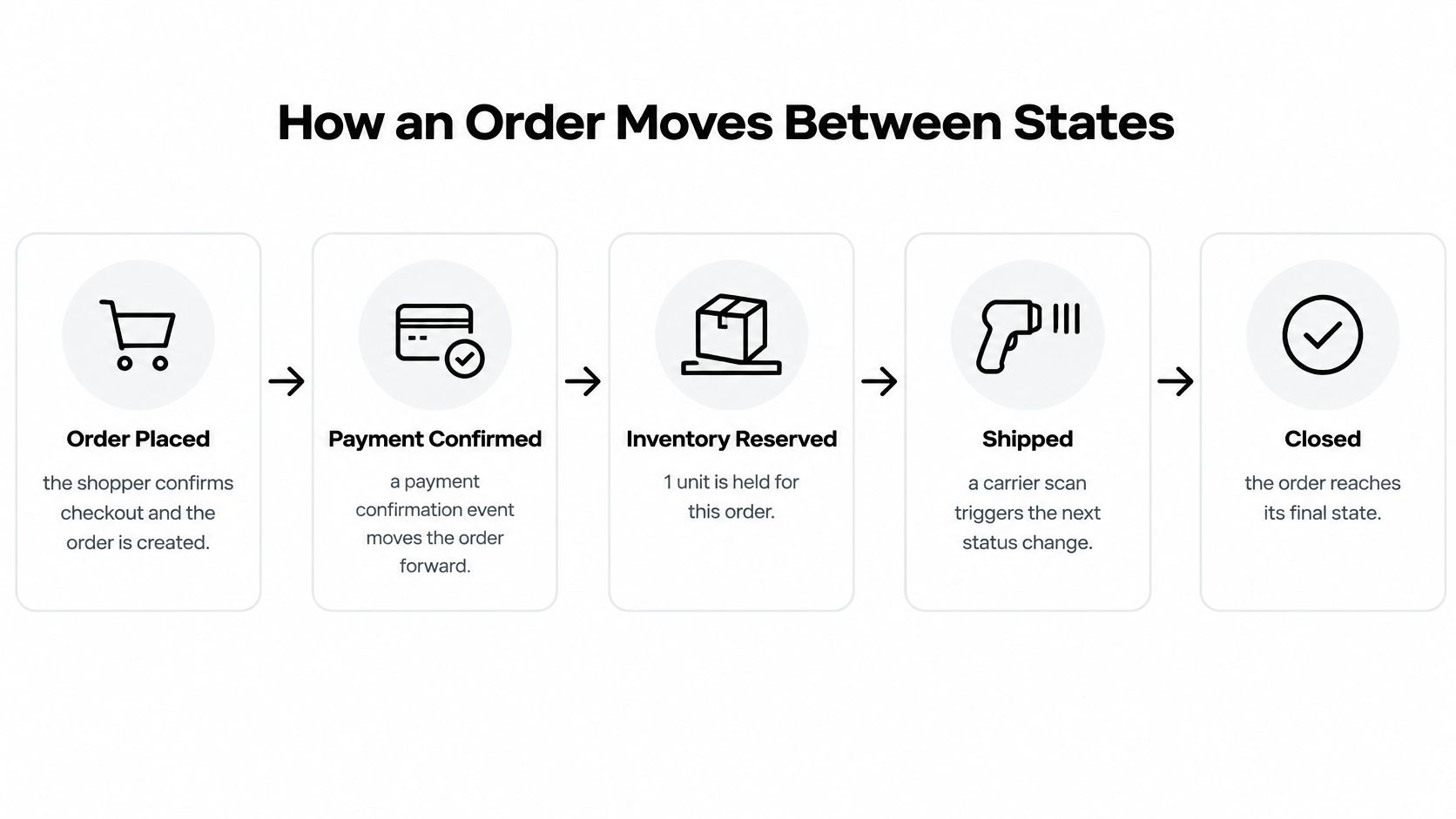
The illustration simplifies the handoffs; your implementation must define their exact sequence. An order management system coordinates those rules, but the payment provider, inventory system, and warehouse don't share a single database transaction.
The Design Round's ecommerce system-design guide describes an orchestrated Saga, a coordinated sequence of saved actions with compensating actions for failures. Save each successful change durably, then publish its notification through an outbox, a stored queue of events awaiting delivery, after the database commit.
What backing out actually means
- Authorization succeeds, allocation fails. In a flow where authorization completes before allocation is settled, void the authorization and tell the customer the order couldn't be confirmed. Don't leave a payment hold attached to an unfulfillable purchase.
- Stock is reserved, payment times out. Keep the order pending while confirming the provider's result. If payment failed, release the reservation; if it succeeded, continue without initiating another authorization.
- The customer cancels before fulfillment. Stop the warehouse instruction, release reserved stock, and void the authorization. Don't capture payment for the cancelled order.
A timeout is especially easy to misunderstand. It means your system didn't receive a clear answer, not necessarily that the provider rejected the payment.
Every nonterminal status needs an allowed next step and a recovery action. A terminal status needs a clear rule for whether later adjustments can reopen work.
Keeping Payment and Stock Right Through Retries
A shopper double-clicks Pay. The payment succeeds, but the confirmation request times out. Later, the provider sends the same webhook notification again.
These are separate opportunities to repeat a business action accidentally. Idempotency means handling a repeated request without repeating its effect, a control described in SDE Offer's ecommerce platform design guide.
Match each failure to its control
- Duplicate checkout submissions. Assign a unique idempotency key to each order attempt. Enforce uniqueness for the merchant and key together, so a repeated submission retrieves the existing result rather than creating another order.
- An ambiguous payment response. Reuse the same provider payment key when retrying that payment. A new key can make the retry look like a new charge.
- Repeated events or webhooks. Record processed event IDs in the same database transaction as the business change. Otherwise, a crash between updating the order and recording the event can leave room for repetition.
- Competing stock reservations. Use conditional inventory updates that reject a reservation when it would make available stock negative.
- Payments stuck in pending. Run a reconciliation job that compares stale internal payment states with provider records and resolves mismatches.
Together, these controls support effectively-once business outcomes. You don't need to assume that every message arrives exactly once; you need repeated messages to leave the customer's money and your inventory correct.
Separate capture from payout
A captured payment isn't the same as money available for payout. Our settlement process takes 2 to 5 business days between capture and funds becoming available for payout, with new brand owners typically starting at the longer end. We don't hold a balance between a sale and its payout, and a brand that leaves keeps its processing relationship.
When a customer reports a double charge, start with the order attempt key, payment key, and processed event log. Compare those records with the provider's transactions before issuing a refund that could itself be duplicated.
Handling Shipping and Tracking Exceptions
Nearly 45% of consumers had experienced problems tracking their most recent order in a 2025 survey of 8,000 consumers across eight European countries, described by Sendcloud's delivery-experience report. Shipping a parcel doesn't end the operator's responsibility to explain what's happening.
After dispatch, customer service and logistics teams need to respond to new information, not merely display a carrier link. A missing scan, changed address, or split shipment may require a new decision and a customer message.
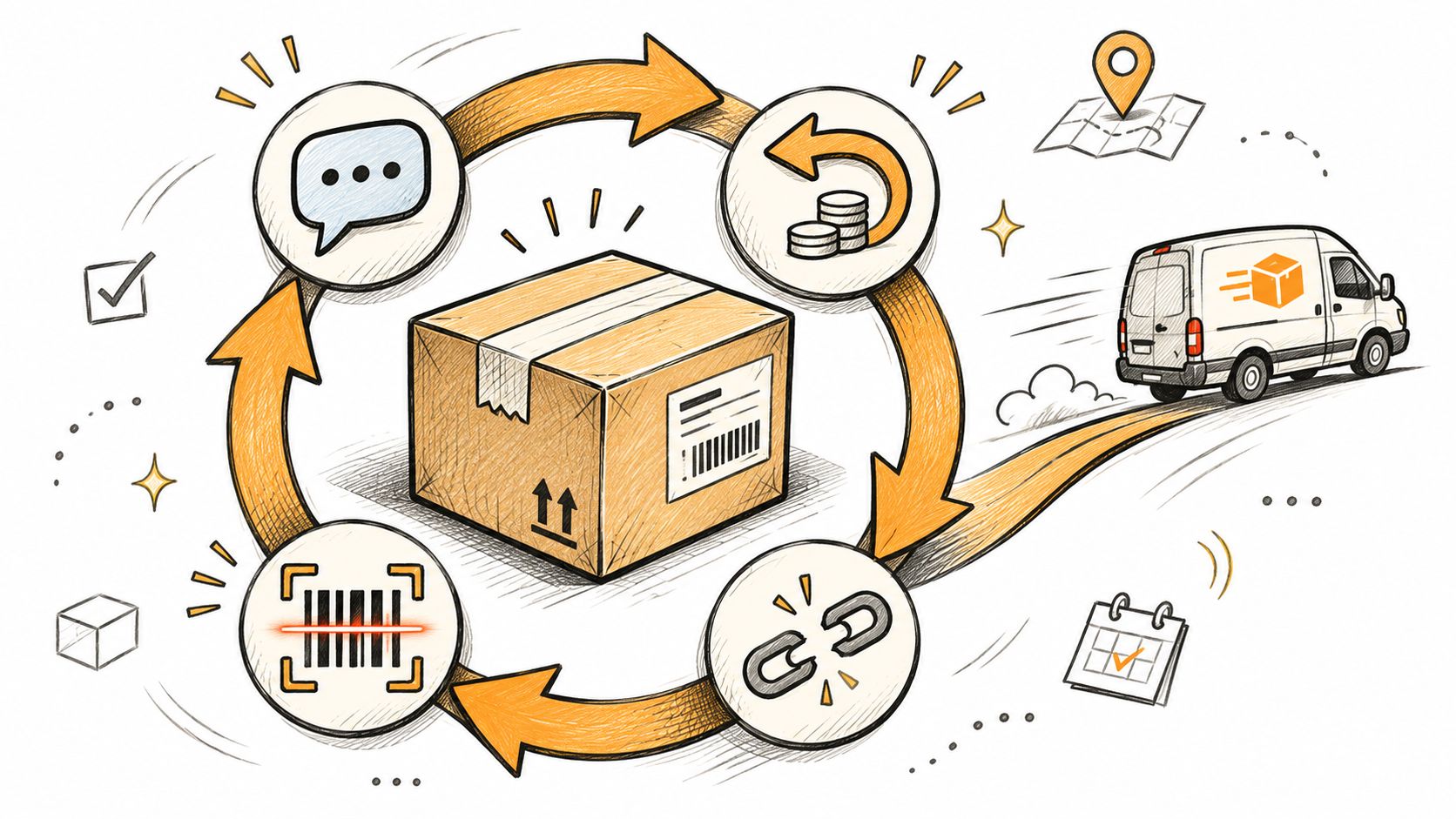
Post-dispatch exceptions, causes and fixes
| Exception | Typical Cause | What to Do |
|---|---|---|
| Delayed scan | Carrier hasn't scanned the parcel for two or more days, used here as an example investigation trigger | Check with the carrier. Send the customer a revised date if confirmed, or explain when you'll update them next. |
| Partial shipment | Some items are ready and ship before the rest | Create linked shipment records under the original order. Send separate tracking and identify which items remain outstanding. |
| Address change after dispatch | Customer edits the address once the parcel is moving | Request a carrier redirect if possible. Explain any cost and timing before proceeding. |
| Failed delivery | Nobody is home or the parcel is refused | Arrange redelivery or depot collection. Send the pickup window and required next action. |
| Lost parcel | No scans appear during the agreed search period | Open a carrier claim, then arrange a reshipment or refund. Tell the customer which resolution is underway. |
| Dropshipping delay | Supplier hasn't confirmed the order | Follow up with the supplier and update the customer before the promised date passes. |
Keep the promise separate from the label
With dropshipping, when a customer orders from the store, the store automatically sends the order to the supplier, which prepares it and ships it directly to the customer. Sending that instruction isn't shipment confirmation. Watch for the supplier's acknowledgment and subsequent dispatch evidence.
The order fulfillment process should name the person responsible for investigating each exception. Customer service needs access to the investigation result, not just the original delivery estimate.
Choose an authoritative order record for split shipments and changed delivery dates. Keep parcel-level details connected to it, preserve the original promise for review, and notify the customer whenever the promised date changes.
What Returns Change After the Sale
A return changes stock, money, and customer records at once. Customer service may approve it, but warehouse staff must inspect the item and finance must confirm the financial result.
Returns average about 10% of ecommerce orders and rise to 16% for B2B retailers, according to DHL's 2025 business ecommerce trends report. The operational question isn't merely whether a parcel came back. It's what can happen to the item and what the customer is owed.
Return dispositions and their effects
| Disposition | Inventory Effect | Refund and Record Effect | Recovery Value |
|---|---|---|---|
| Restock | Item returns to sellable stock after inspection | Full or partial refund, return reason logged | Full resale value if undamaged and sellable at the original price |
| Refurbish | Item stays out of sellable stock until repaired | Refund or credit recorded against the original order | Resale proceeds less repair and handling costs |
| Liquidate | Item is removed from normal sellable stock for bulk sale | Refund recorded, loss on the lot recognized | Partial recovery determined by the lot price |
| Dispose | Item is removed and written off | Refund recorded, write-off posted to inventory | None |
Decide the customer outcome and item outcome separately
A refund doesn't prove that an item is fit to restock. Record authorization, receipt, inspection, disposition, and refund as distinct events, with the original order connecting them.
- Partial returns. Refund the returned lines using their original allocated discounts and applicable tax adjustments. Don't refund retained items accidentally.
- Subscription cancellations. Stop future renewals according to the cancellation instruction. Handle any existing shipment or return separately.
- Point-of-sale returns. Update the same stock ledger used for online sales, including the location that received the item.
- Chargebacks. Match the dispute to the original payment and any previous refund before taking further financial action.
For international orders, consult resources such as the Mystershirt guide to cross-border delivery when preparing customer-facing shipping information. Define the return route and responsibility for charges before issuing instructions.
For orders through our stores, the brand owner is the seller and merchant of record. The brand makes the refund and disposition decisions; a warehouse inspection or carrier claim doesn't replace that responsibility.
Track net recovery value after return handling and repair costs, alongside repeat-purchase rate. Return rate alone won't tell you whether customers received a fair resolution or whether returned goods retained useful value.
Following One Order From Checkout to Close
Consider a hypothetical jacket purchase with the timeline below. These dates illustrate a possible journey, not a delivery promise or a standard refund deadline.
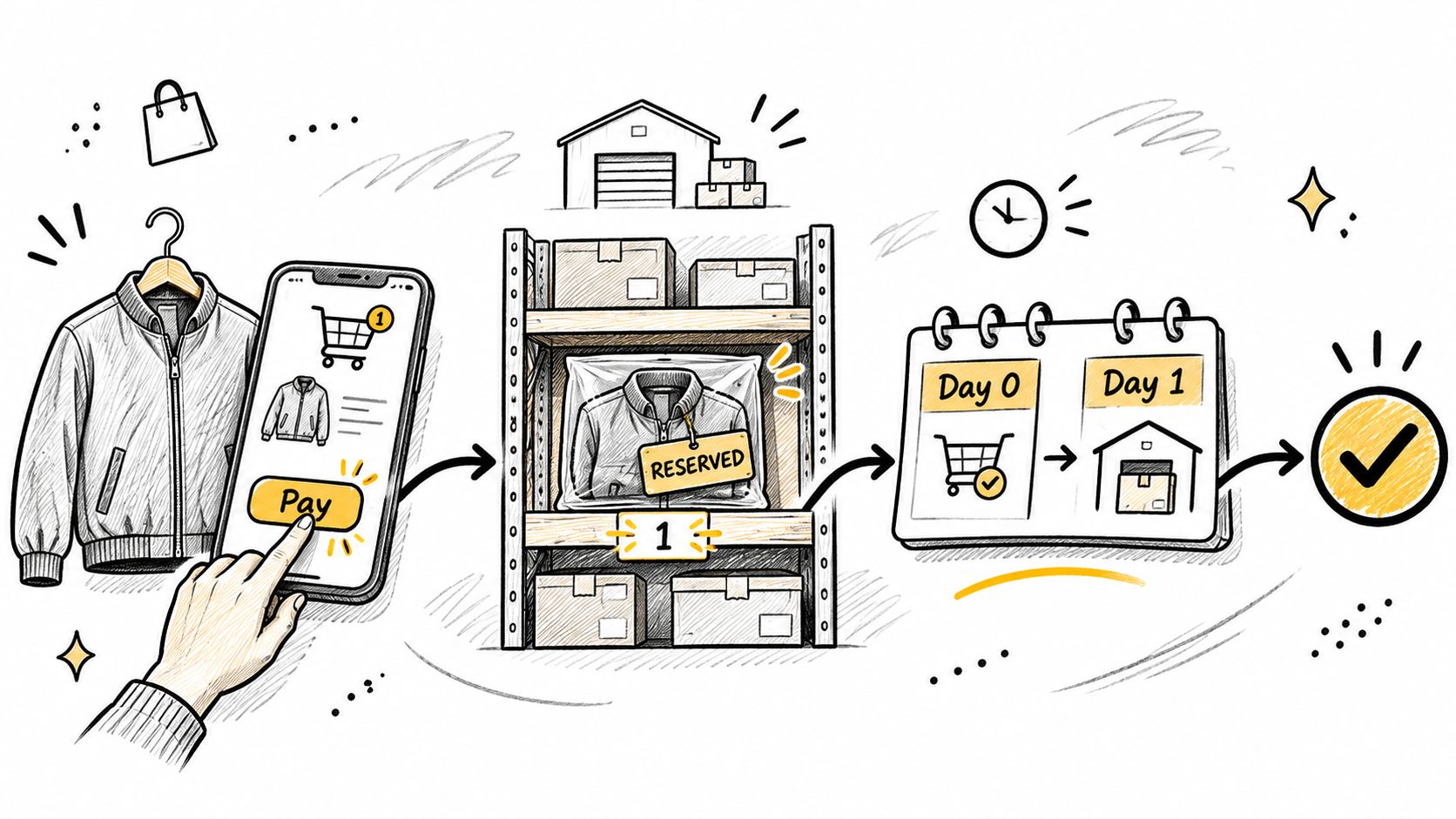
A jacket's order history
- Day 0, committed. The shopper submits checkout. The inventory system reserves one jacket, the payment provider authorizes the amount, and the order service writes the committed status after both succeed.
- Day 1, shipped. Warehouse staff pack the jacket and create its label. The carrier's acceptance scan prompts the order system to mark it shipped and send tracking; the provider also records payment capture.
- Day 3, delivered. The carrier records delivery. The order system saves that event and calculates return eligibility under the brand's policy.
- Day 10, return authorized. The shopper says the jacket is too small. Customer service approves the request and issues a return label.
- Day 13, refunded. Warehouse staff receive and inspect the jacket, then record it as restocked. The payment provider confirms a full refund against the original capture, which the order service records.
- Day 14, closed. The order service closes the case after checking that the return, stock movement, and refund records are complete.
The shopper doesn't need every internal detail. A useful order status page presents the relevant result, such as a parcel's location or confirmation that a refund has been issued, without confusing an internal instruction with a completed action.
A status history should explain who recorded each change and what evidence justified it.
If an event is missing from this jacket's history, the team will struggle to answer a later question. Preserve timestamps, linked transaction references, and the actor or system responsible, rather than overwriting the previous status without a trail.
Map Your Own Order Lifecycle Before You Scale
Set aside an afternoon to trace your store's actual behavior. Use the statuses your team sees in its tools, including awkward labels such as payment review or awaiting supplier, rather than drawing an ideal process that nobody follows.
Test the handoffs, not just checkout
- Build a working status map. Export or list every status and add its owner, entry condition, next permitted action, and undo step. Ask the warehouse and finance teams to review the labels they're expected to act on.
- Place a controlled test order. Watch the timestamps and notifications as it progresses. Include a partial shipment, then confirm that the customer can distinguish the dispatched items from those still waiting.
- Complete a return and refund. Check the physical receipt against the stock movement and original payment. Verify that a returned item can't become available for sale before the inspection decision.
- Choose the record that wins. Document where staff must update split orders and revised delivery dates. Trigger customer messages from that record so an old estimate in another tool doesn't generate a contradictory email.
PlatformDTC keeps storefront, checkout, subscription, POS, and B2B activity connected through one order record that every surface reads and one stock ledger across locations.
Finish the exercise by assigning unresolved gaps to named people. Give each gap a concrete acceptance test, such as confirming that an unshipped item remains visible after another item leaves the warehouse.
A lifecycle map is useful only when your store behaves the way it describes. Keep the completed test order as a reference case, then rerun the relevant checks whenever you change payment handling, fulfillment routing, or return rules.
PlatformDTC brings orders, payments, inventory, fulfillment, and returns into a shared operational system. Visit PlatformDTC to explore how your team can manage the order journey from checkout through delivery and refund without maintaining separate versions of the same purchase.