Migrate to PlatformDTC
Replatform without pausing revenue
Move your catalog, customers, subscriptions and URLs with the orders still flowing. Guided migration, a mapped redirect plan, and a cutover you schedule.
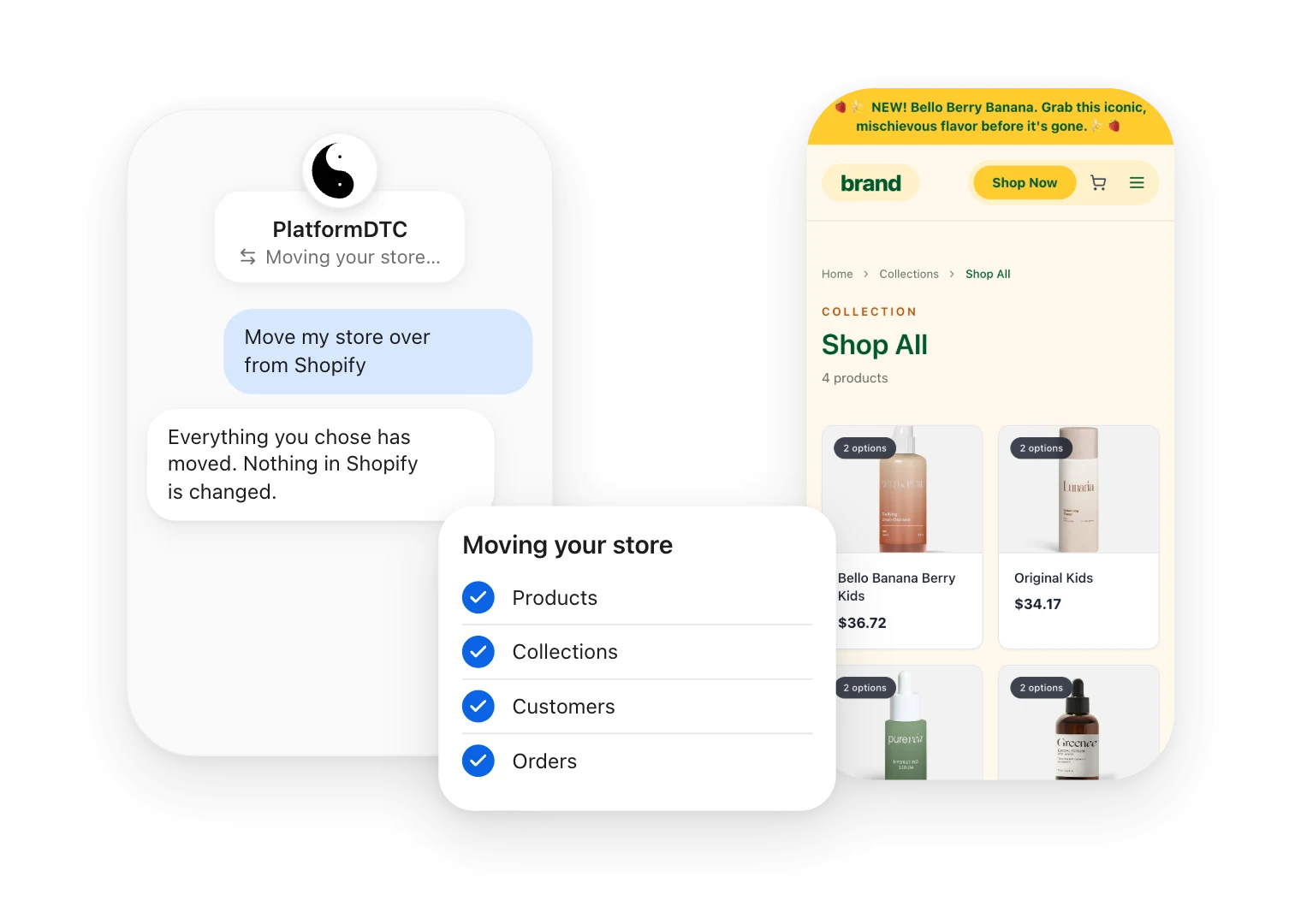

Prevent interruption
Connect your Shopify store and your catalog, customers and orders move over while it keeps selling.

Set up quickly
Import products fast and simplify training with guides and migration checklists.

Ask the community
Get answers from PlatformDTC support and the partners who run migrations every week.
Data transfer
Migrate your way
There are tons of ways to migrate your data to PlatformDTC. Choose the one that works for you based on your business needs.
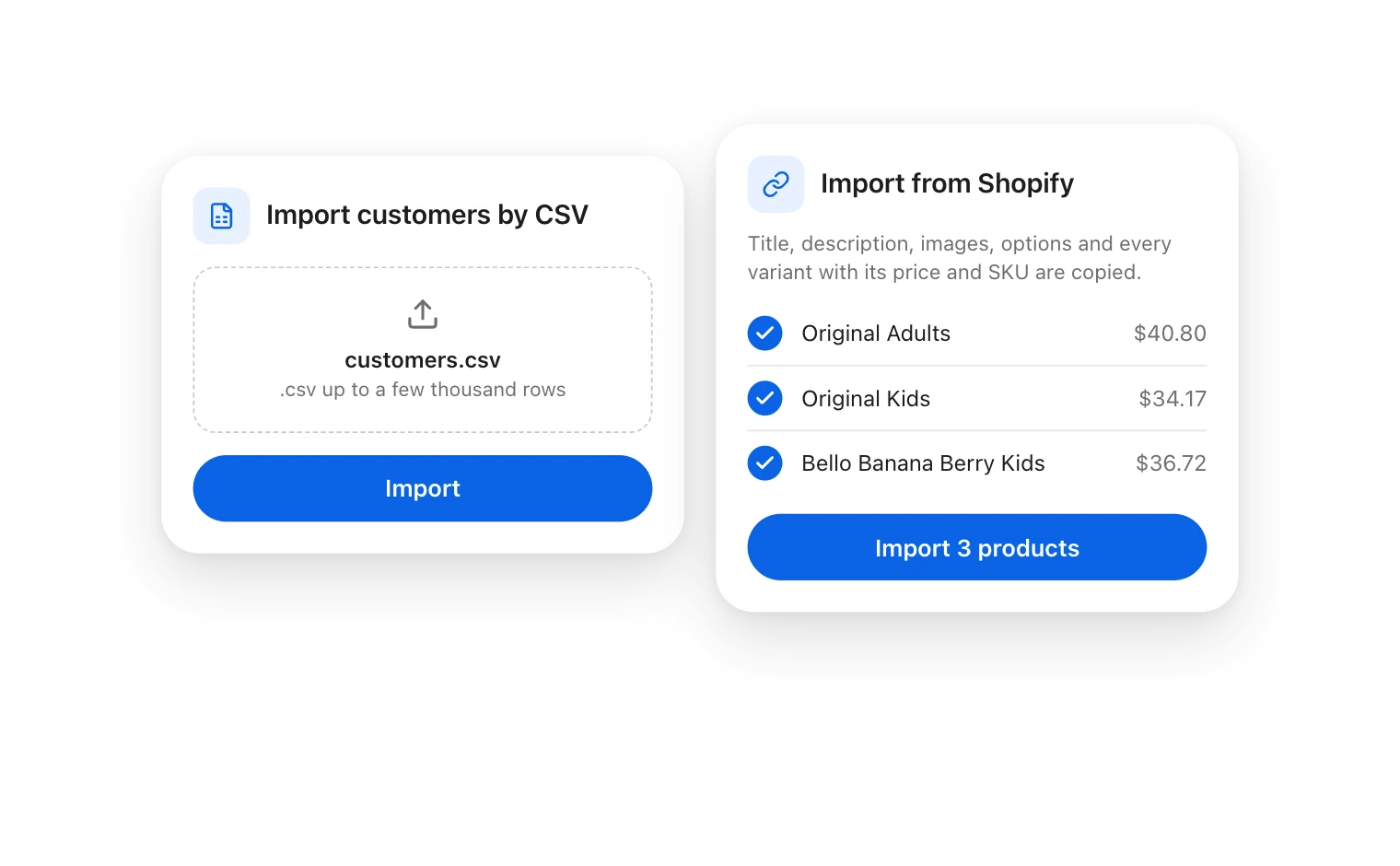
For smaller businesses
Migrate manually
For a simpler approach, move your data yourself: import customers from a CSV file, and paste product links to copy each product with its images, options and every variant.
- Note that some data like orders and blog posts can’t be moved this way.
- Copy text from your current store’s pages and paste it in your new PlatformDTC store where you need.
For fast setup
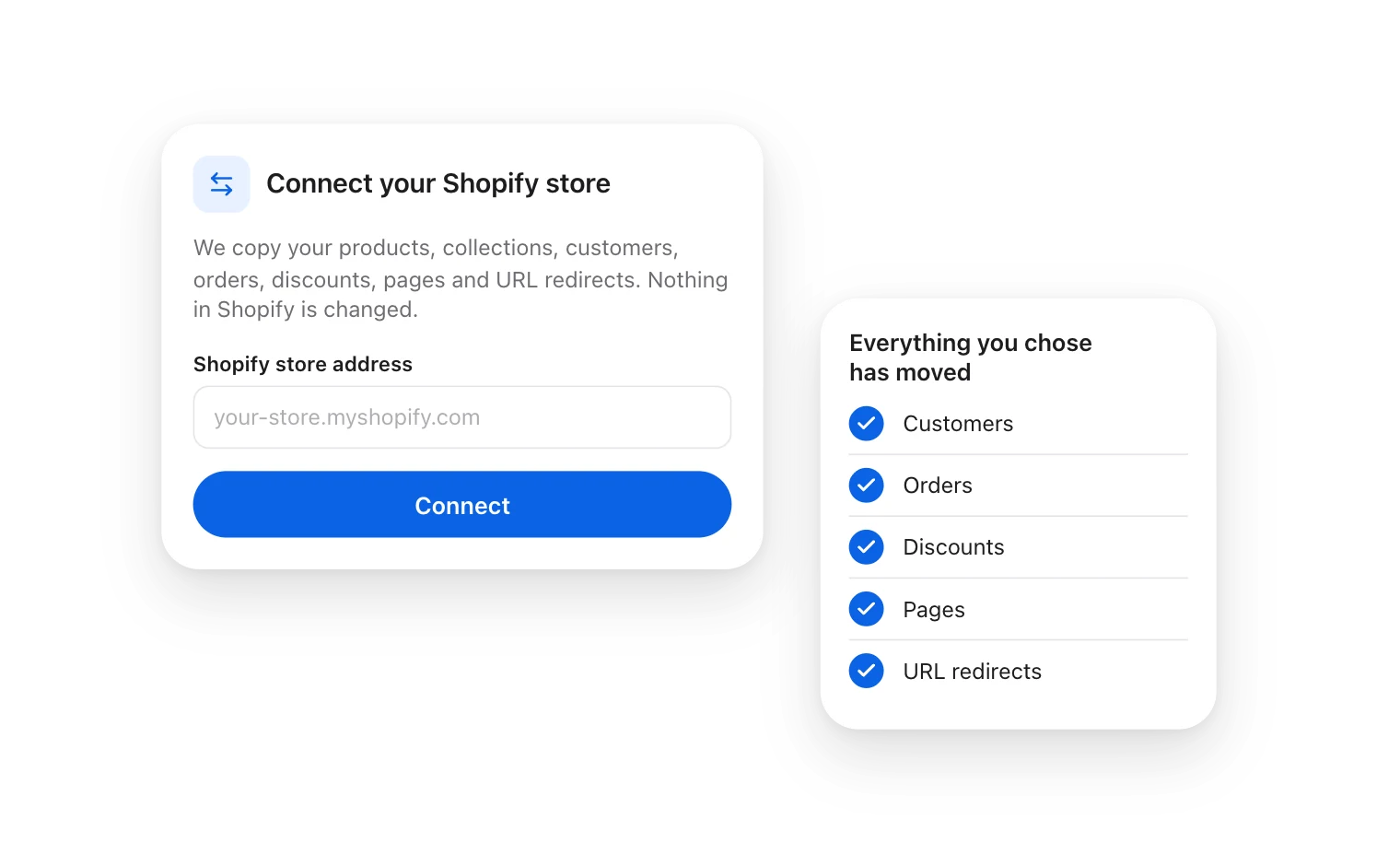
Move from Shopify in one connection
Connect your Shopify store and PlatformDTC copies it over. Nothing in Shopify is changed.
- Products, collections, customers, orders, discounts, pages and URL redirects move together.
- URL redirects keep your old links, and the search rankings behind them, working.
For large businesses
Hire a PlatformDTC Partner
Work with a PlatformDTC Partner to manage and complete your migration.
- Collaborate with a PlatformDTC Partner that specializes in migration for your industry and size.
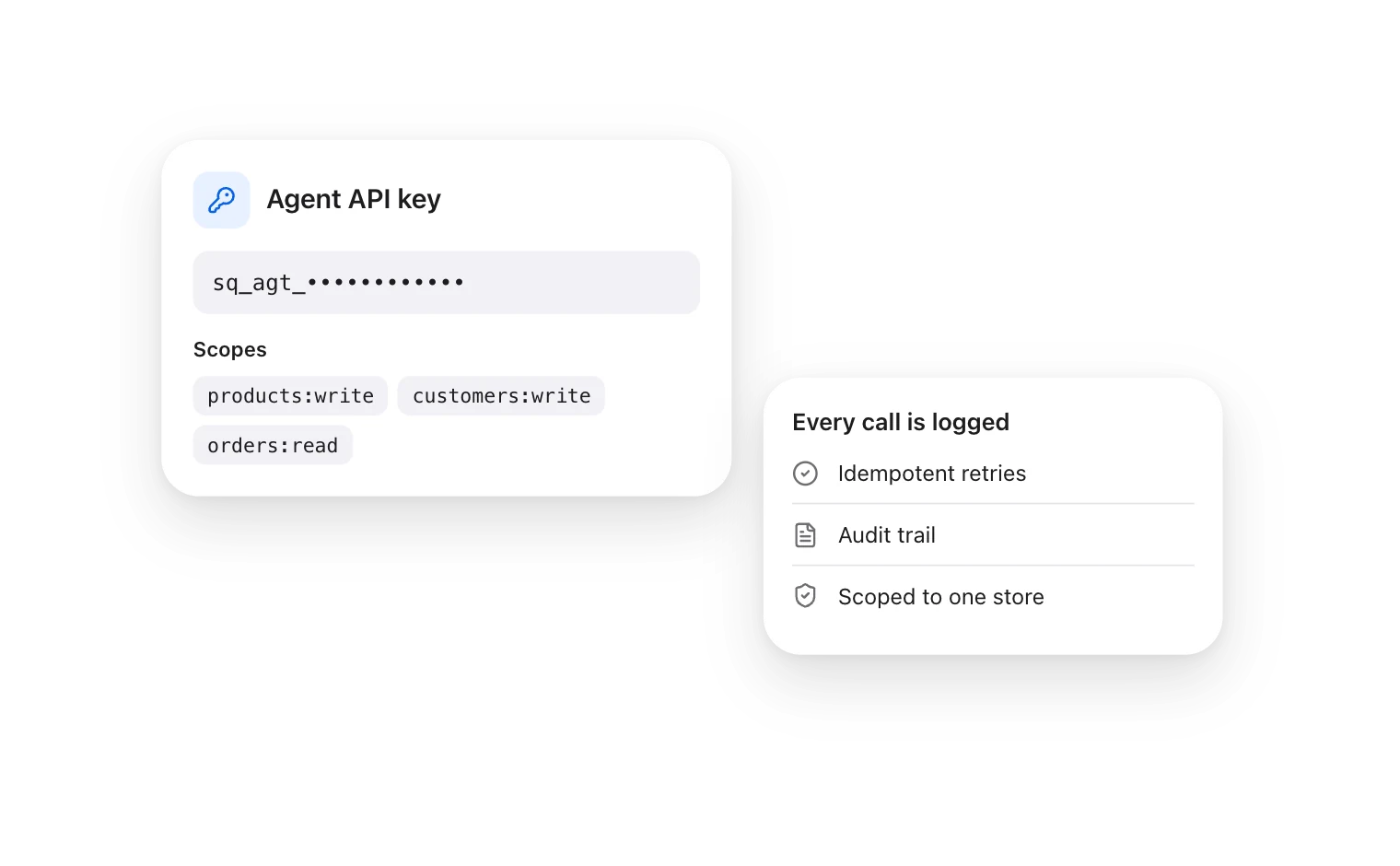
- Some partners may use PlatformDTC’s API to create a custom migration solution tailored to your needs.
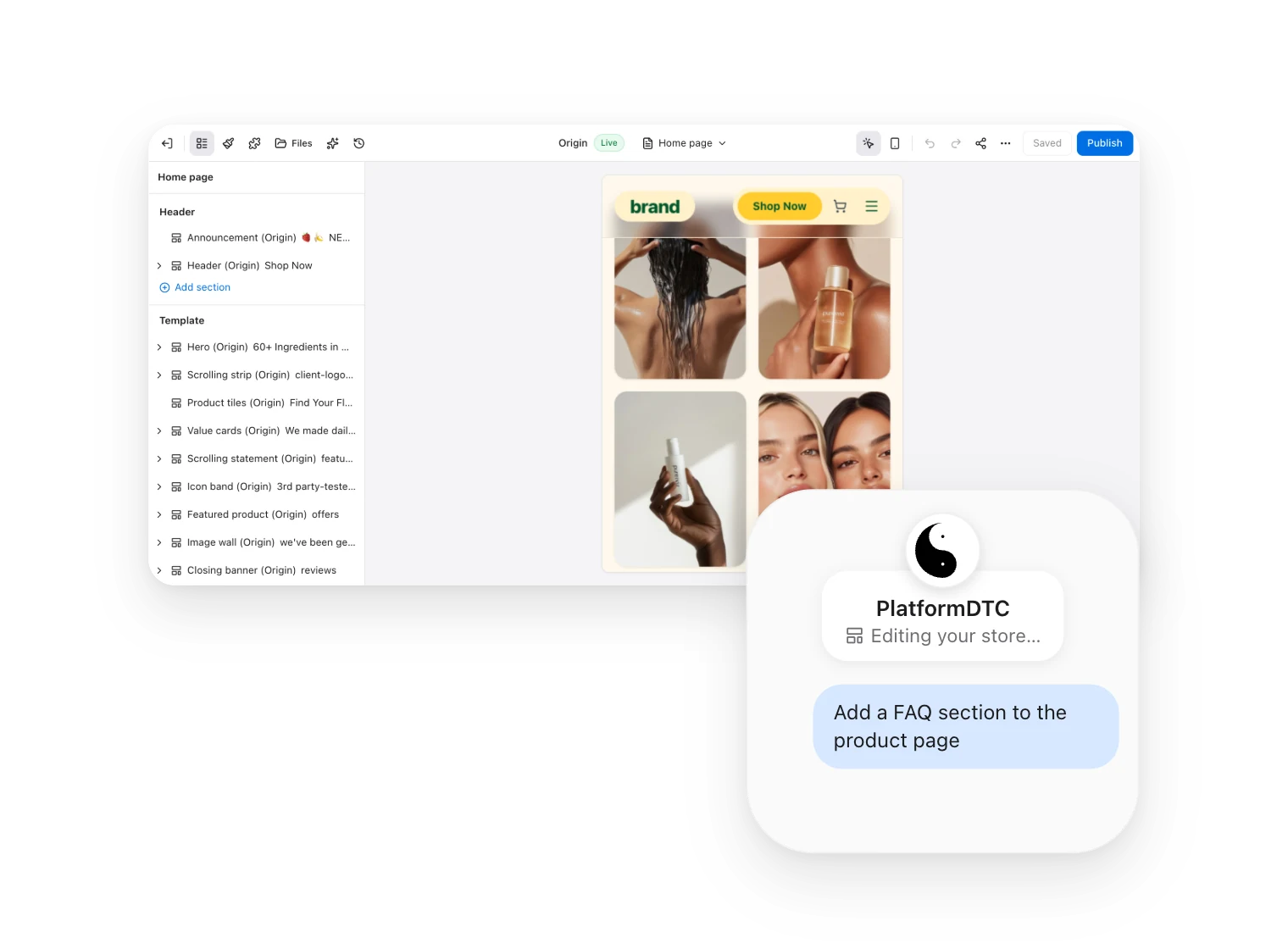
Expand your business with PlatformDTC
PlatformDTC empowers you to expand from marketplaces like Etsy, eBay, and Amazon with a unique, customizable online store. With themes optimized for selling and a fully integrated back office, you’ll have everything you need to get started.
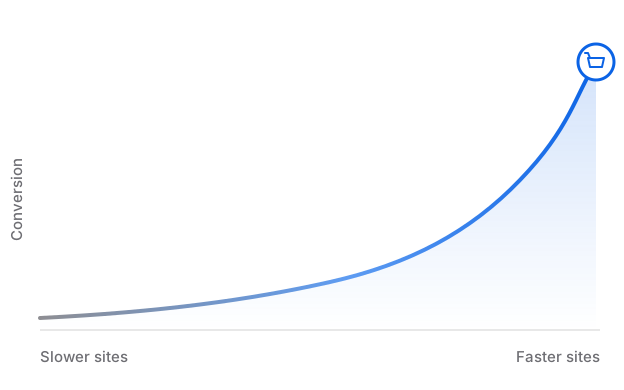
Is your site speed costing you sales?
Reduce lags and interruptions that could be costing you sales. Measure your site’s performance to see how it stacks up.
Migration instructions
Checklists and guides? Check.
Migrating can look different depending on your business needs and the platform you’re moving from. PlatformDTC’s step-by-step checklists and platform-specific guides break down the process so you can get set up faster.
For small businesses
Online store checklist
Learn everything from how to organize your store to how to add sales channels.
Platform resources
Platform-specific guides
Discover how to migrate your store to PlatformDTC from other platforms including Amazon, Lightspeed, and Wix.
For growing businesses
PlatformDTC Pro migration guide
Learn about more advanced migration features, from integrations to B2B.
Competitive pricing
Any business can migrate
No plan fee; 2.9% + $0.30 per card sale. Start for free.
Online-first plans
Find a solution for selling everywhere.
Enterprise solutions

Compare Shopify
Compare what each platform actually costs to run at your volume — migration effort, fees, and what you stop paying for.
Frequently asked questions
Make your move. Migrate to PlatformDTC.
Get all the tools you need to start, run, and grow your business. For enterprise merchants, contact our sales team.
Frequently asked questions
- Where do replatforms actually lose revenue?
- Not the storefront, which is where most of the timeline goes. Losses concentrate in three places: URL structure changes that destroy accumulated search equity unless every old path 301s to its closest equivalent, stored payment credentials that cannot move, and subscription state — next bill date, plan, discount history — which is the hardest data to reconcile and surfaces errors as wrong charges rather than failed imports.
- Will migrating cost me my search rankings?
- Only to the extent the redirect map has gaps. A complete one-to-one permanent map preserves most equity and rankings typically wobble for weeks then recover. Redirecting retired URLs to the homepage instead of a relevant page is the most common way this goes wrong — a homepage redirect is read as a soft 404 and passes nothing.
- Should storefront and billing move at the same time?
- No. Cut over the storefront, prove it stable for several weeks, then migrate billing. Doing both together means any failure has two plausible causes and a rollback has to unwind both — and billing failures are precisely the ones you cannot afford to diagnose slowly.