The idea that one POS is universally best is the wrong starting point. A small retailer, a restaurant, a subscription brand, and a market stall don't have the same operational problem, even if each needs to accept payments. A POS connects product identity, price, inventory, customer details, and transaction records, a principle established when computerized retail systems replaced manual price entry and standardized product coding became central to supermarket checkout (IBM's history of point-of-sale systems).
The best POS system for small business depends on what you need to unify: checkout, payment methods, inventory, online and in-store orders, staff workflows, hardware, contracts, or expansion. This comparison evaluates seven options by the problem each solves, then covers best fit, standout capabilities, cost structure, advantages, limitations, and implementation considerations. Pricing detail varies by provider, so published starting points, free software availability, add-on costs, processing terms, and contract conditions are separated rather than guessed. For a broader view of how unified records support growth, see this guide to unifying customer data.
Table of Contents
- 1. DTC Pay for one-tap checkout on your own domain
- 2. Square POS for a fast, low-commitment start
- 3. Shopify POS for Shopify-centered omnichannel retail
- 4. Lightspeed Retail for advanced inventory control
- 5. Clover POS for hardware choice and app-led workflows
- 6. Toast for restaurant-specific operations
- 7. Helcim POS for transparent payment economics
- Top 7 POS Systems for Small Businesses, Comparison
- Match the POS to your next operational constraint
1. DTC Pay for one-tap checkout on your own domain
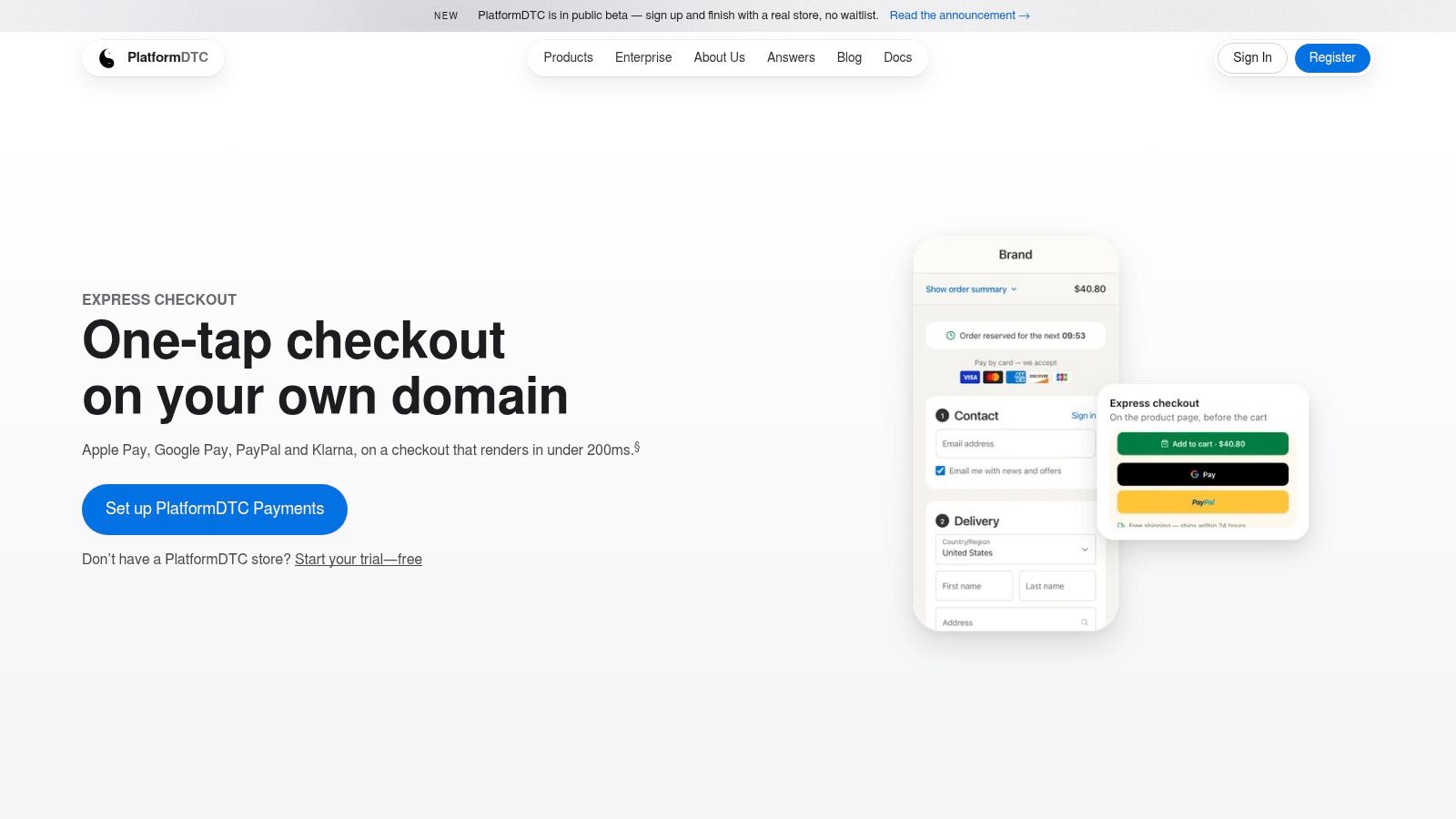
DTC Pay is the strongest fit for a direct-to-consumer brand that treats checkout as a growth and data problem, not merely a card-acceptance problem. It runs on the brand's own domain and brings express payment options into a single checkout experience, helping the merchant avoid sending customers through disconnected third-party redirects.
The product supports Apple Pay, Google Pay, PayPal, Link, Amazon Pay, and Klarna through PlatformDTC Payments. PlatformDTC describes DTC Pay as edge-served with a sub-200ms render target, a performance target that matters most to brands already measuring checkout behavior and page speed rather than looking for a countertop register. Its domain-owned approach also keeps checkout closer to the brand's customer journey, analytics, and tracking setup.
Best fit and operating model
DTC Pay suits a brand selling through ecommerce, subscriptions, campaigns, and possibly physical sales, especially when the business wants one order lifecycle rather than separate records for checkout, recurring billing, discounts, fulfillment, and analytics. PlatformDTC also provides POS capabilities for card and cash transactions, with in-person orders synchronized with online orders and customer records.
The cost structure is different from a standalone POS subscription. DTC Pay is included when the merchant enables PlatformDTC Payments, and settlement goes directly to the merchant's Stripe and PayPal accounts. That reduces the need for separate express-wallet contracts, but the merchant still needs Stripe and PayPal accounts and may need to complete domain verification or provider configuration.
Best operational reason to choose it: Keep the brand-owned checkout, subscriptions, payments, customer data, and order history in one commerce system.
For a technical team, the attraction is the combination of scoped APIs, published performance metrics, migration utilities, CDN delivery, and parallel running before cutover. The trade-off is that DTC Pay isn't the natural choice for a small shop seeking the simplest possible counter setup. It makes more sense when the checkout itself is strategically important and the business wants to reduce the integration burden around online and recurring commerce. The DTC payment system overview explains how that model connects checkout and payment operations.
Advantages
- Brand ownership: Checkout stays on the merchant's domain instead of relying on a third-party redirect.
- Wallet coverage: Major express wallets are available through PlatformDTC Payments.
- Unified commerce data: Online orders, subscriptions, discounts, fulfillment, analytics, and in-person transactions can share the same operating model.
- Migration control: Catalog import and parallel operation can reduce cutover risk.
Limitations
- Platform dependency: DTC Pay requires PlatformDTC Payments and active Stripe or PayPal accounts.
- Configuration work: Wallet activation and domain verification may require merchant-side setup.
- Narrower counter-first fit: A traditional store primarily seeking hardware and retail inventory controls may need to assess PlatformDTC POS separately.
2. Square POS for a fast, low-commitment start
Square solves the launch problem. It suits a pop-up, café, service provider, small retailer, or mobile operator that wants to start taking payments without assembling a complex technology stack. The system combines POS software, payments, inventory, customer records, online selling, invoices, subscriptions, gift cards, loyalty, and marketing in one ecosystem.
Its Free tier has no monthly software fee, and Square lists first-party hardware starting at $59 on its product materials (Square POS). That makes the initial decision relatively easy for a merchant testing a location, adding occasional in-person sales, or replacing a cash register without committing to a large implementation.
Square supports POS use on iPad, phone, and tablet, including Tap to Pay on iPhone and Android. It also offers offline mode, online selling, industry-specific workflows for retail, restaurants, appointments, and mobile businesses, plus optional payroll, banking, and capital products.
Cost and trade-offs
Square's published processing model is easy to understand, which can matter more than a theoretically lower rate for a small business with unpredictable volume. At higher volume, however, flat-rate processing can cost more than interchange-plus pricing. Merchants should compare their actual payment mix rather than assuming the simplest pricing is automatically the cheapest.
The Free tier is useful for low-commitment operations, while Plus and Premium plans add subscription costs per location. Advanced tools such as kitchen display systems and kiosks can introduce extra per-device fees. A merchant should therefore calculate the cost of the workflows they use, not just the software entry point.
Square is the practical default when the main risk is overbuilding before the business knows what it needs.
Square's broad ecosystem is its advantage and its constraint. It can handle many ordinary small-business workflows out of the box, but merchants with complex retail purchasing, deep variants, or specialized omnichannel requirements may eventually need a more retail-focused system. Its cashier-oriented operating model is also worth comparing with the principles in this POS system cashier guide.
3. Shopify POS for Shopify-centered omnichannel retail
Shopify POS solves the online-to-store synchronization problem. It's the logical choice for a retailer that already runs its ecommerce business on Shopify and wants products, customers, orders, returns, and inventory to remain connected when a shopper visits a physical location.
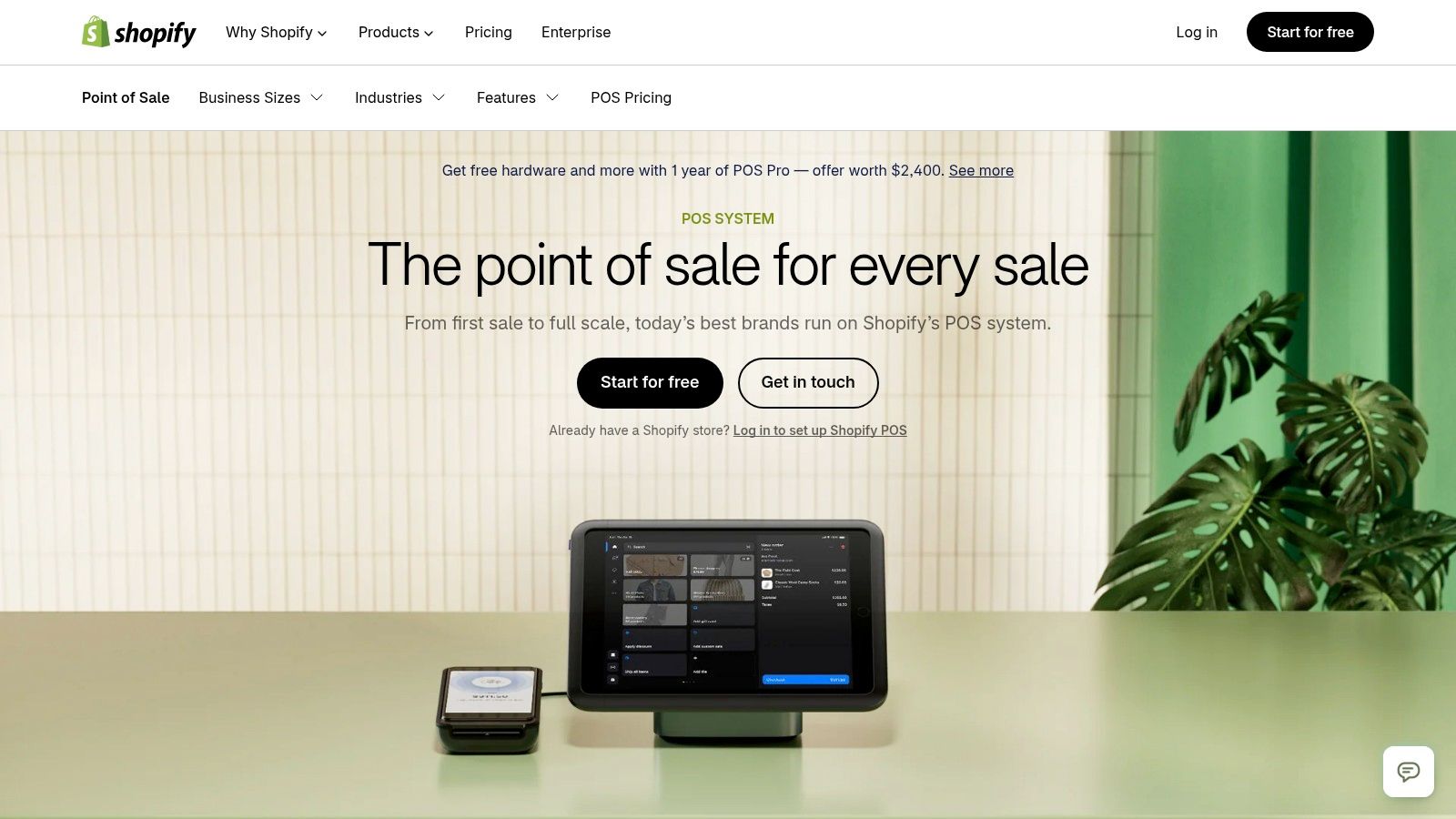
POS Lite is included with Shopify plans, while POS Pro is an add-on priced per location. POS Pro adds staff roles and permissions, advanced inventory, retail analytics, and exchanges or returns at different locations. The platform also supports workflows such as buy online, pick up in store and endless aisle selling, where a physical store can help a customer access inventory beyond what's on the shelf.
Where the economics make sense
Shopify POS is most compelling when the merchant is already paying for and operating a Shopify storefront. In that situation, the value comes from avoiding a second catalog, customer database, and order workflow. If the business only needs a basic in-person register and doesn't use Shopify online, much of the platform's advantage disappears.
The merchant should also account for the POS Pro add-on, payment terms through Shopify Payments, compatible hardware, and the cost of any apps required for specialized inventory or operational workflows. Shopify's mature app ecosystem and developer APIs provide flexibility, but every additional app can create another dependency to maintain.
Choose Shopify POS when:
- Your online store already runs on Shopify: The platform can extend an existing commerce system into physical retail.
- You sell across channels: Shared product, customer, and order data supports store pickup, returns, and endless aisle workflows.
- You expect location growth: Centralized administration can make multi-location management easier.
- You need customization: The app ecosystem and APIs support extensions beyond the native feature set.
The limitation is strategic rather than technical. Shopify POS offers its greatest value inside a Shopify-centered operating model, so a merchant should not choose it solely because the brand is popular. Businesses evaluating extensions may also benefit from a specialist help desk for Shopify apps. For a detailed view of connected systems, this POS integration explanation provides useful context.
4. Lightspeed Retail for advanced inventory control
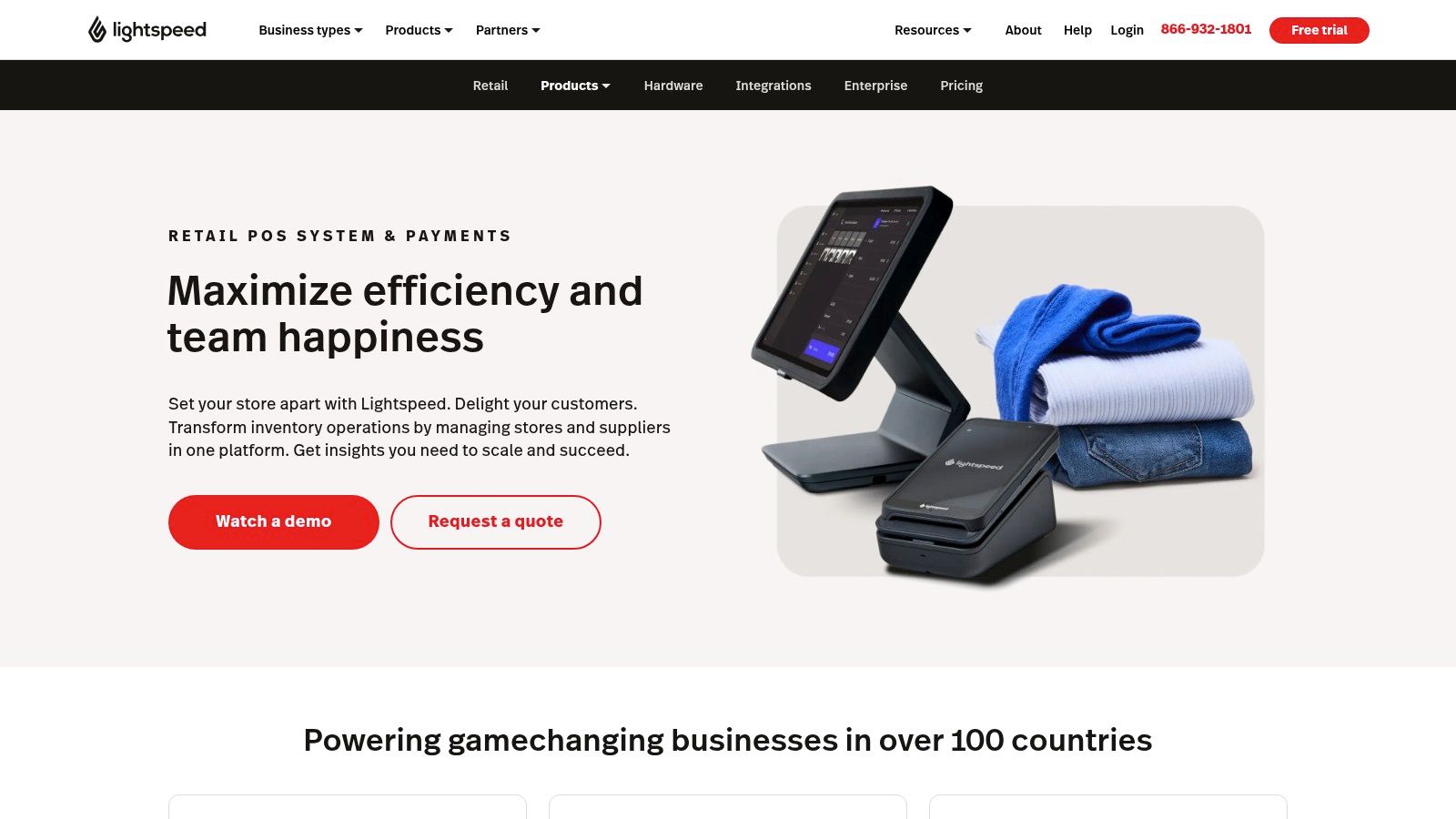
Lightspeed Retail solves the inventory complexity problem. It fits specialty retailers with many SKUs, variants, suppliers, purchase orders, landed costs, wholesale requirements, and demand-planning needs. Fashion, sporting goods, bicycle, and other product-led businesses are more likely to benefit from its depth than a service business with a short menu of offerings.
The X-Series includes advanced inventory, purchasing, supplier integrations, forecasting and reporting tools, ecommerce, loyalty, wholesale marketplace access, a mobile scanner POS app, inventory tools for iOS and Android, and APIs for customization. That combination makes Lightspeed a stronger candidate when the merchant's biggest operational risk is inaccurate stock or weak purchasing visibility.
The trade-off is depth versus simplicity
Lightspeed has a higher software cost than entry-level POS products, but that comparison can be misleading. A cheaper register may require separate tools for purchasing, wholesale, inventory analysis, and supplier management. Lightspeed's value depends on whether its built-in capabilities replace enough disconnected work to justify the subscription.
Published plan tiers include ecommerce and analytics, and the provider offers professional onboarding alongside chat and phone support. Payment terms still require scrutiny. Lightspeed encourages Lightspeed Payments, and rates and fees can vary by business type, so the software decision shouldn't be separated from the merchant-services agreement.
Inventory test: Ask whether the system can represent your variants, receiving process, supplier relationships, and replenishment decisions without spreadsheets.
Lightspeed is not automatically the best POS system for small business just because it has more features. A small store with a narrow catalog may pay for capability it won't use. It becomes a better fit when stock accuracy, purchasing discipline, and multi-store visibility have become constraints on growth.
5. Clover POS for hardware choice and app-led workflows
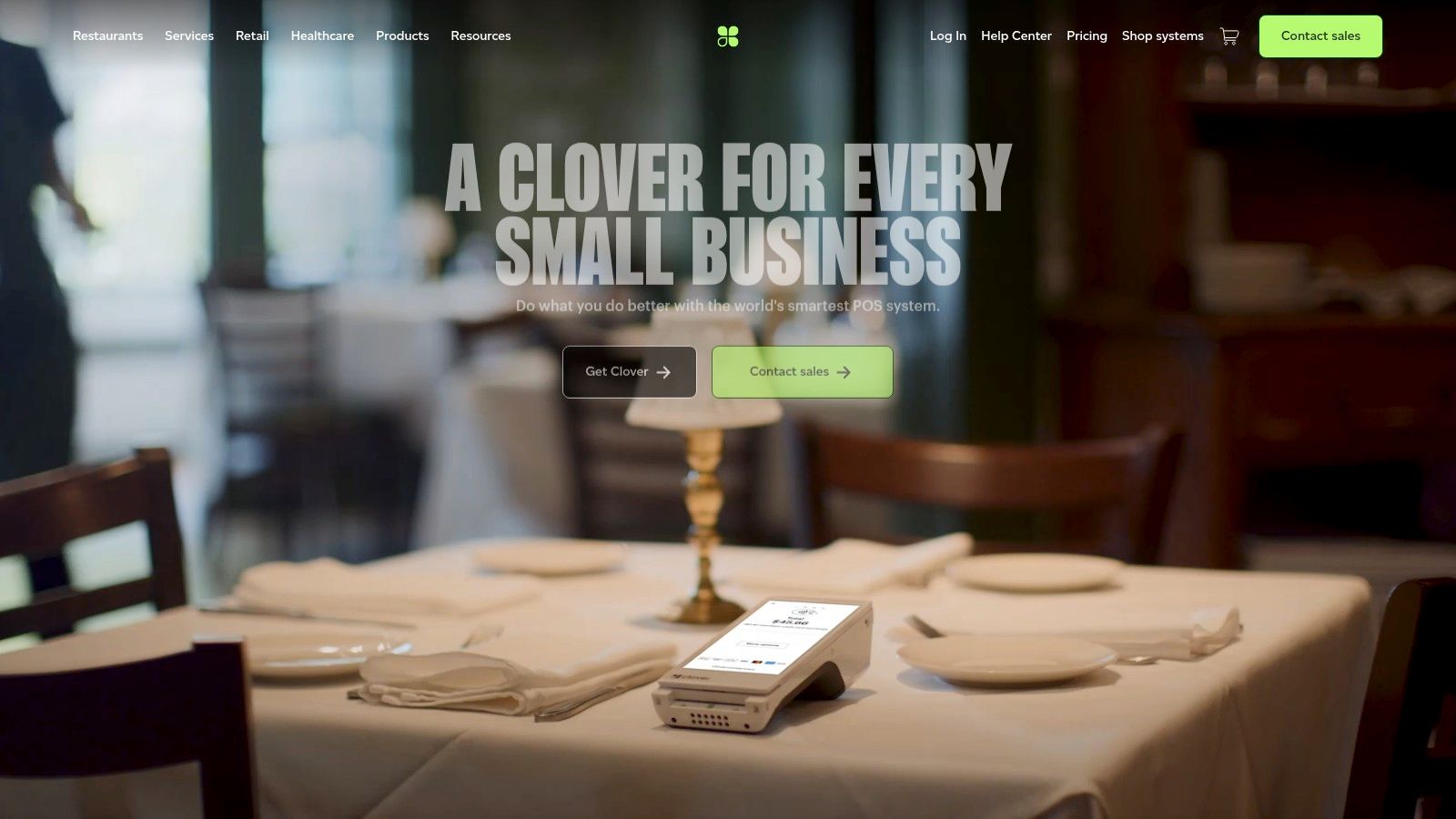
Clover solves the hardware and workflow customization problem. Its range includes countertop, handheld, and self-service formats, so a merchant can match the terminal to the physical operation. Quick-service businesses, salons, small retailers, and merchants working with banks or independent sales organizations may value that distribution model and the ability to add industry-specific apps.
The Clover platform includes Android-based terminals, customer-facing displays, virtual terminal tools, invoicing, and an App Market covering loyalty, appointments, online ordering, and other workflows. KDS and kiosk options can extend the system beyond a basic payment terminal.
Read the contract before choosing the device
Clover's central limitation is processor lock-in. Clover devices are tied to Clover and First Data processing, so merchants can't freely move the hardware to another processor. Because Clover is sold through different providers, pricing, contracts, and fees can vary substantially by reseller.
That makes the sales agreement as important as the hardware specification. A merchant should confirm the processing model, subscription terms, cancellation rights, equipment ownership, app charges, support responsibilities, and whether the contract is non-cancelable during its term. The platform's 24/7 support availability and large reseller network can be useful, but they don't remove the need to understand who controls the commercial relationship.
Clover makes sense when:
- Hardware format matters: Countertop, handheld, and self-service setups are available.
- Your workflow needs an app: The App Market can extend appointments, loyalty, ordering, and other functions.
- You prefer a turnkey package: Payments, hardware, and software can arrive through one sales channel.
- You can accept processor dependency: The convenience comes with reduced payment-provider flexibility.
Clover is a reasonable operational fit for a merchant who values choice at the device and app level. It's a weaker fit for a business that wants portable hardware, open processor selection, or maximum control over long-term payment economics.
6. Toast for restaurant-specific operations
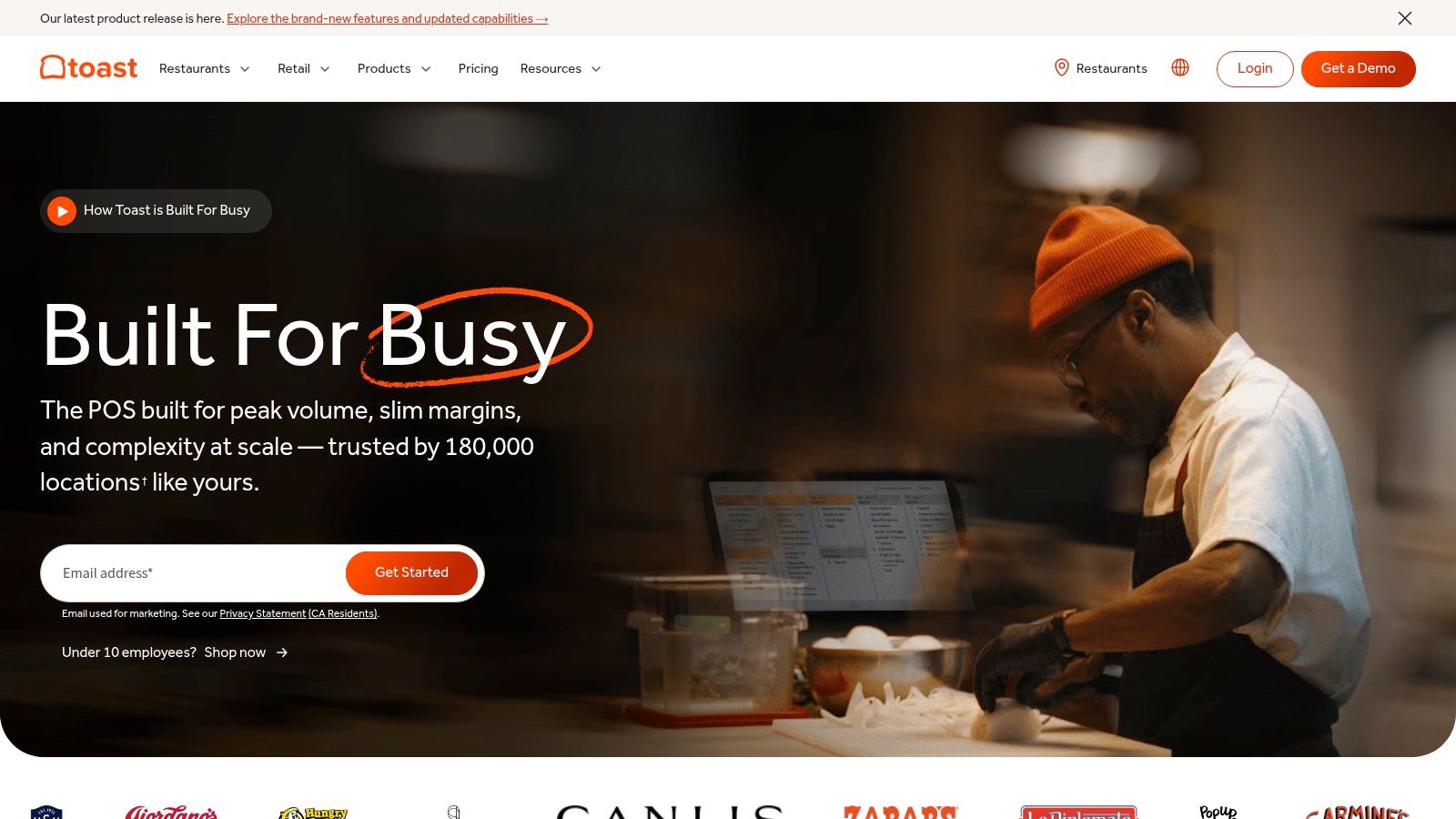
Toast solves the front-of-house and back-of-house coordination problem. Restaurants need more than a product list and card reader. They need menus, modifiers, coursing, table management, kitchen communication, tips, handheld ordering, online ordering, delivery connections, and sometimes self-service kiosks.
Toast brings those restaurant workflows into a purpose-built platform. Its tools cover FOH and BOH operations, KDS, kiosks, handhelds, loyalty, email marketing, payroll, scheduling, and tip management. Restaurant-grade hardware and Toast Care support are aimed at cafés, bars, quick-service restaurants, full-service operations, and hospitality groups with more demanding service environments.
Why restaurant specialization matters
A general POS can process a restaurant payment, but that doesn't mean it can manage the service workflow around the payment. Toast's broad module set can reduce the need for third-party add-ons, which may simplify training and support. The benefit is strongest when the restaurant will use several of those modules rather than treating Toast as an expensive card terminal.
The main cost consideration is switching friction. Toast requires Toast-approved hardware, which increases dependency on the platform. Pricing and processing terms can change, so operators should confirm the contract, hardware obligations, payment terms, support coverage, and costs for optional modules before signing.
Restaurant buyers should test a complete service cycle, from order entry and modifiers to kitchen fulfillment, payment, tip handling, refund, and reporting.
Toast is not the best choice for a boutique retailer or service business because it has a large feature set. Its value comes from fitting the rhythm of restaurant work. If the merchant needs restaurant workflows but wants to assemble a more open, modular stack, it should compare the operational savings against the added hardware and processing constraints.
7. Helcim POS for transparent payment economics
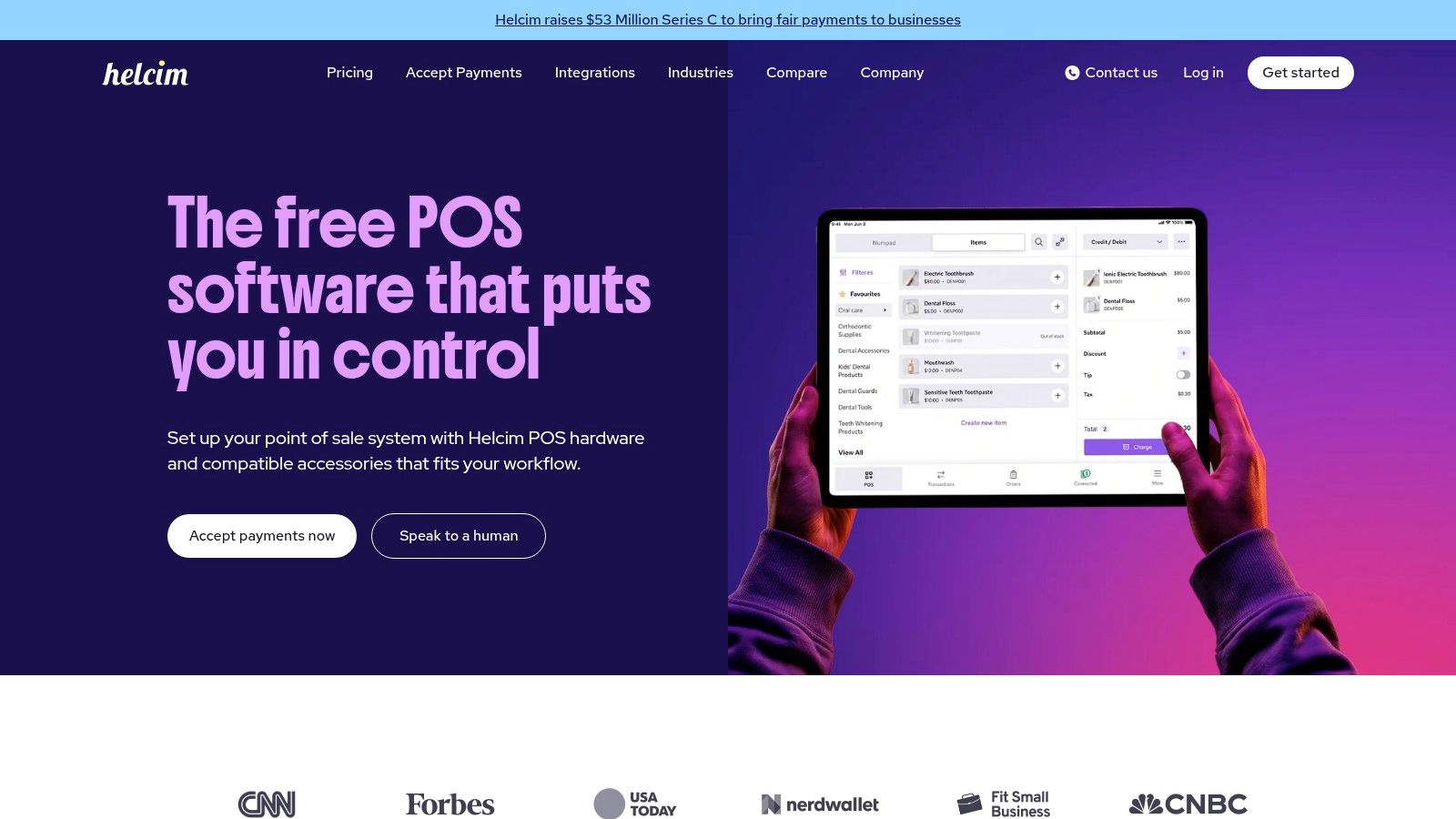
Helcim addresses the payment-cost transparency problem rather than advanced retail complexity. Its free web-based POS app combines interchange-plus pricing, volume-based margins, transparent fee disclosures, no monthly software fee, and no long-term contract. That profile fits cost-conscious businesses that already have suitable phones, tablets, or desktops and do not need extensive inventory controls.
Merchants can use Tap to Pay on iPhone, invoicing, recurring billing, and mobile apps. An optional Smart Terminal adds a built-in POS, receipt printer, 4G, and Wi-Fi connectivity. The choice is practical: use existing devices to limit hardware spending, or add a dedicated terminal for a fixed counter.
Compare fully loaded cost, not just the rate
Interchange-plus pricing may reduce payment costs at higher volume, but it demands more analysis than a flat-rate model. Merchants should examine card mix, transaction type, recurring billing, refunds, chargebacks, and settlement timing before comparing providers. Visa research on digital payments for SMBs highlights the role of payment breadth: digital wallets and cards are both important customer preferences in the markets surveyed. A lower headline rate has limited value if the POS cannot accept the methods customers use.
Helcim provides fewer advanced retail capabilities out of the box than Shopify or Lightspeed. It is better suited to service businesses, B2B operators, and merchants that prioritize payment control over complex purchasing and inventory workflows.
Disputes and fraud also belong in the cost calculation. According to chargeback and fraud data summarized by ExpertSure, global chargeback volume is forecast to rise from 261 million transactions in 2025 to 324 million by 2028, while chargeback value is forecast to rise from $33.79 billion to $41.69 billion. Helcim may fit a payment-focused operating model, but the merchant still needs clear refund controls, complete order records, and organized dispute documentation.
Top 7 POS Systems for Small Businesses, Comparison
| Product | Implementation complexity 🔄 | Resource requirements ⚡ | Expected outcomes ⭐ / 📊 | Ideal use cases 💡 | Key advantages ⭐ |
|---|---|---|---|---|---|
| DTC Pay, One‑tap checkout on your own domain | 🔄 Moderate, requires enabling PlatformDTC Payments and some wallet/provider verification; developer integration recommended. | ⚡ Low-to-moderate, Stripe/PayPal accounts, CDN/edge delivery, developer time for cutover. | ⭐ High, Sub‑200ms render target and one‑tap wallets → improved conversion and unified order/subscription analytics. 📊 | Brands wanting brand‑owned fast checkout and unified subscriptions/analytics. | Brand‑owned domain checkout; included broad wallet coverage; direct settlement to Stripe/PayPal; edge‑served speed. |
| Square POS | 🔄 Low, plug‑and‑play with minimal setup and hardware options. | ⚡ Low, phone/tablet or low‑cost hardware; published processing fees; optional add‑ons. | ⭐ Moderate, fast launch and reliable processing; good small‑business workflows. 📊 | Small retailers, cafes, pop‑ups, service providers needing quick launch. | Fast to launch; transparent pricing; broad first‑party tools and hardware. |
| Shopify POS | 🔄 Low-to-moderate, smooth if you use Shopify; POS Pro adds per‑location configuration. | ⚡ Moderate, Shopify plan, POS Pro (optional per location), compatible hardware. | ⭐ High for omnichannel, unified catalog/customers/orders → better BOPIS/endless‑aisle results. 📊 | Merchants already on Shopify or needing unified online-to-store workflows. | Best ecommerce + in‑store unification; scalable back office; mature app/APIs. |
| Lightspeed Retail (X‑Series) | 🔄 Moderate-to-high, advanced inventory and multi‑store setup requires onboarding. | ⚡ High, higher monthly fees, training, possible Payments relationships. | ⭐ High for complex retail, deep inventory, forecasting, and analytics. 📊 | Specialty and multi‑location retailers with large SKU counts and purchasing needs. | Advanced inventory/purchasing features; forecasting/insights; wholesale integrations. |
| Clover POS | 🔄 Low-to-moderate, straightforward hardware/software but often tied to resellers/providers. | ⚡ Moderate, hardware purchase/lease and provider contracts; app market adds customization. | ⭐ Moderate, turnkey experience with variety of app extensions; feature set depends on provider. 📊 | Quick‑serve, salons, small retail needing turnkey hardware + apps. | Multiple hardware form factors; large reseller network; extensive app market. |
| Toast (Restaurant POS) | 🔄 Moderate-to-high, restaurant workflow setup and Toast‑approved hardware required. | ⚡ High, certified hardware, module fees, possible contract terms for processing. | ⭐ High for restaurants, comprehensive FOH/BOH, KDS, kiosks, payroll → operational efficiency. 📊 | QSR, full‑service restaurants, bars, multi‑location hospitality. | Purpose‑built restaurant features; durable hardware; integrated payroll/tips and strong support. |
| Helcim POS | 🔄 Low, web‑based POS that runs on existing devices; setup is simple but requires payment knowledge for pricing. | ⚡ Low, no monthly software fee; optional hardware; interchange‑plus processing. | ⭐ Moderate-to-high for cost efficiency, transparent pricing can lower costs at volume. 📊 | Cost‑conscious small businesses, B2B/service providers, merchants wanting interchange‑plus. | Transparent interchange‑plus pricing; run on existing devices; no long‑term contracts. |
Match the POS to your next operational constraint
There isn't one universal winner. The right selection depends on the constraint that currently costs the business the most time, money, or control.
Choose Square for a fast, flexible start with low software commitment, broad small-business tools, and minimal setup. Choose Shopify POS when Shopify already runs the online store and the priority is connected online-to-store selling. Choose Lightspeed Retail when advanced inventory, purchasing, supplier workflows, and specialty retail depth justify a higher software commitment.
Choose Clover when hardware variety and an app-led workflow matter more than processor flexibility. Choose Toast for restaurant operations that need menus, kitchen coordination, handhelds, kiosks, tips, and hospitality-specific workflows. Choose Helcim when transparent interchange-plus economics, existing devices, recurring billing, and low lock-in matter more than advanced retail functionality.
Choose DTC Pay when a DTC brand wants a fast, domain-owned checkout with broad wallet coverage inside PlatformDTC's unified commerce system. It's especially relevant when online orders, subscriptions, payments, discounts, fulfillment, analytics, and in-person sales need to share a catalog and order record rather than being stitched together later.
Payment resilience deserves its own buying test. Independent POS guidance commonly uses 99.9% uptime, equivalent to approximately 8.8 hours of potential downtime per year, as a baseline, and recommends transaction-error rates below 1% (POS reliability guidance). The Swedish Riksbank's 2025 survey found that only about 10% of small businesses could accept card payments offline, while 9% couldn't register purchases when their POS was unavailable (Riksbank Payments Report 2025). Those findings make offline limits, recovery, duplicate-payment prevention, receipt recovery, and inventory reconciliation practical selection criteria, not technical footnotes.
Before signing, compare the total payment and software cost, hardware ownership, contract commitments, migration effort, online-to-store data flow, and features staff will use. Document the current catalog and customer data, verify provider terms, test hardware and wallet setup, confirm integrations, and run a controlled workflow covering sales, refunds, cash, card, offline recovery, and synchronization before a full cutover.
PlatformDTC brings storefront, checkout, subscriptions, payments, inventory, fulfillment, messaging, analytics, and in-person POS into one commerce system for DTC brands. If you want to evaluate a domain-owned checkout and unified online, B2B, and retail operation, visit PlatformDTC and explore how it can support your next POS decision.