Inventory management

Master your inventory, right here on PlatformDTC

Meet demand, tackle complexity, and reduce costs with PlatformDTC's built-in inventory solutions.
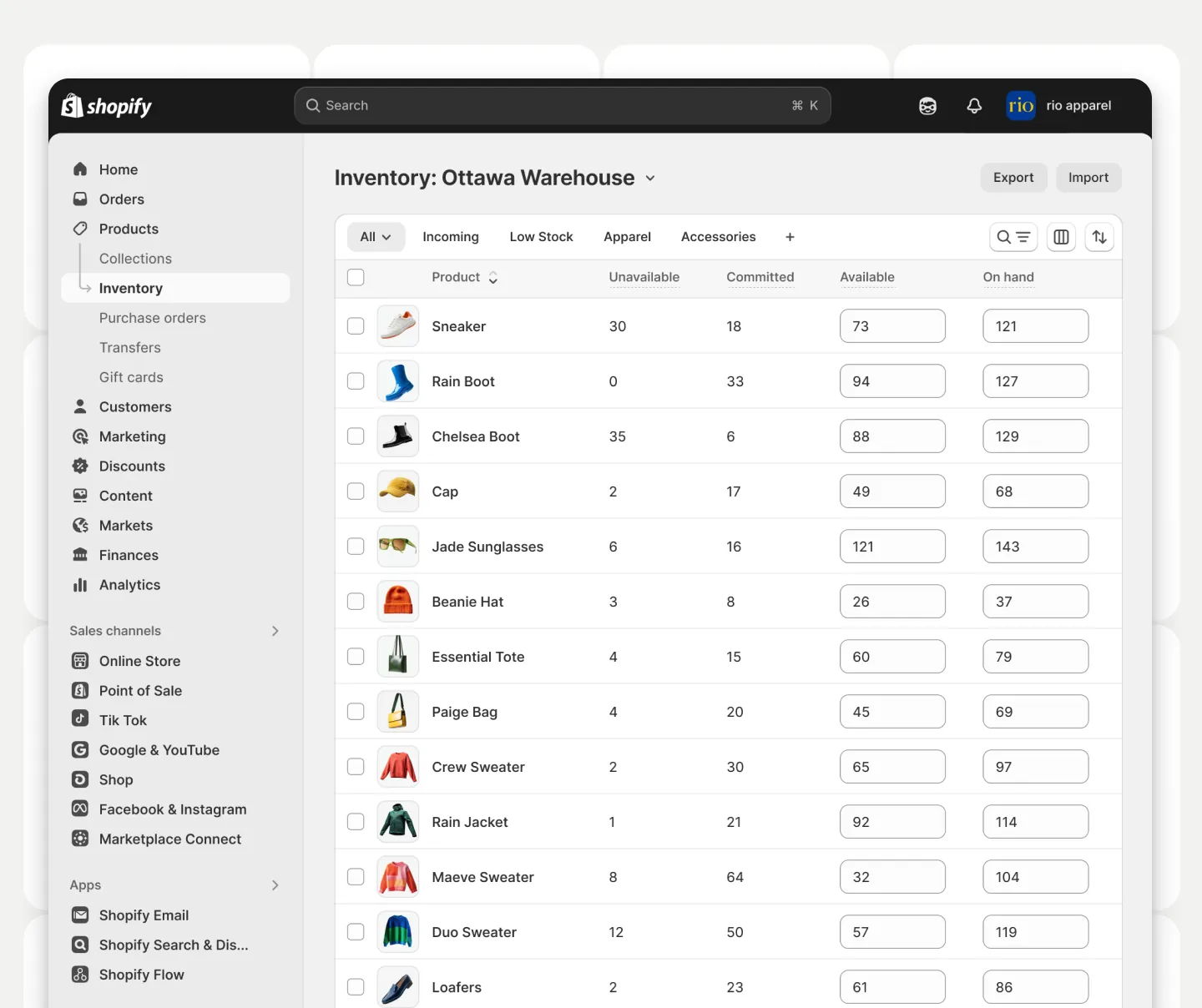
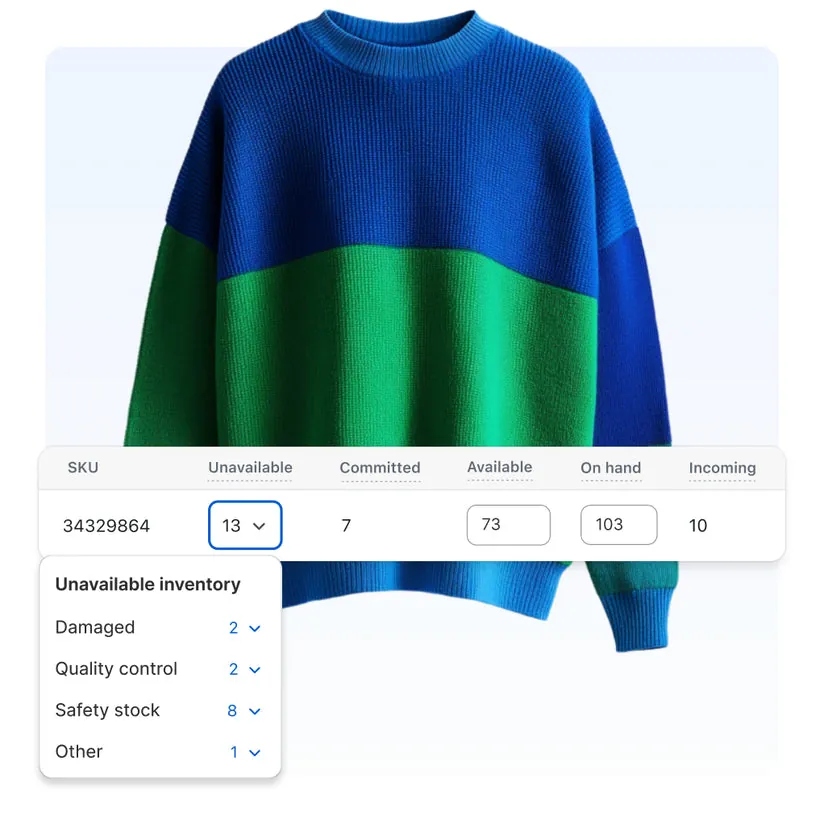
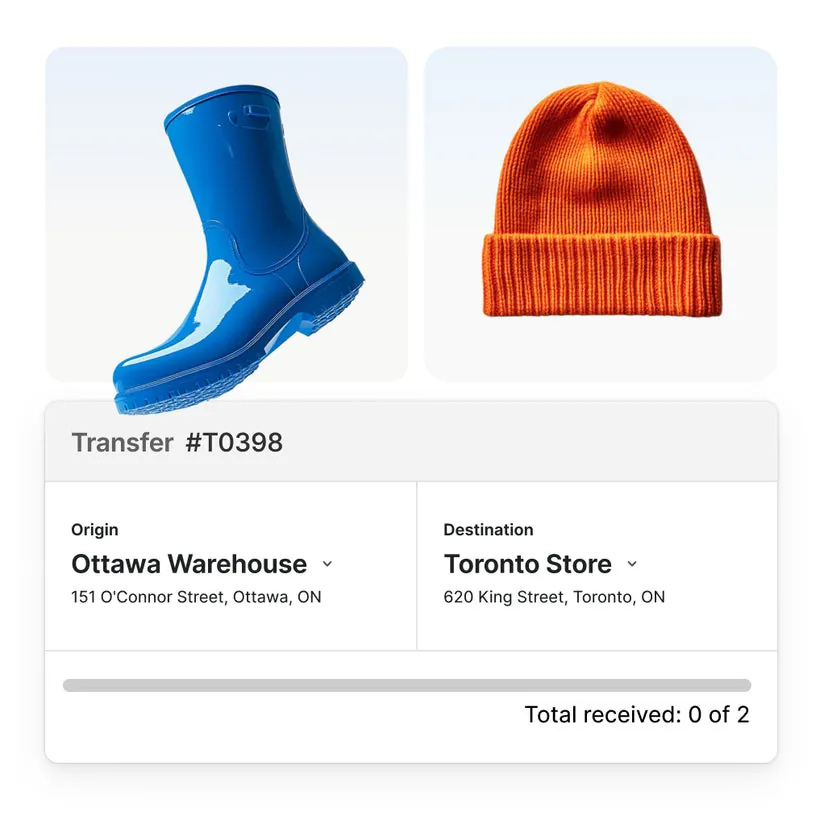
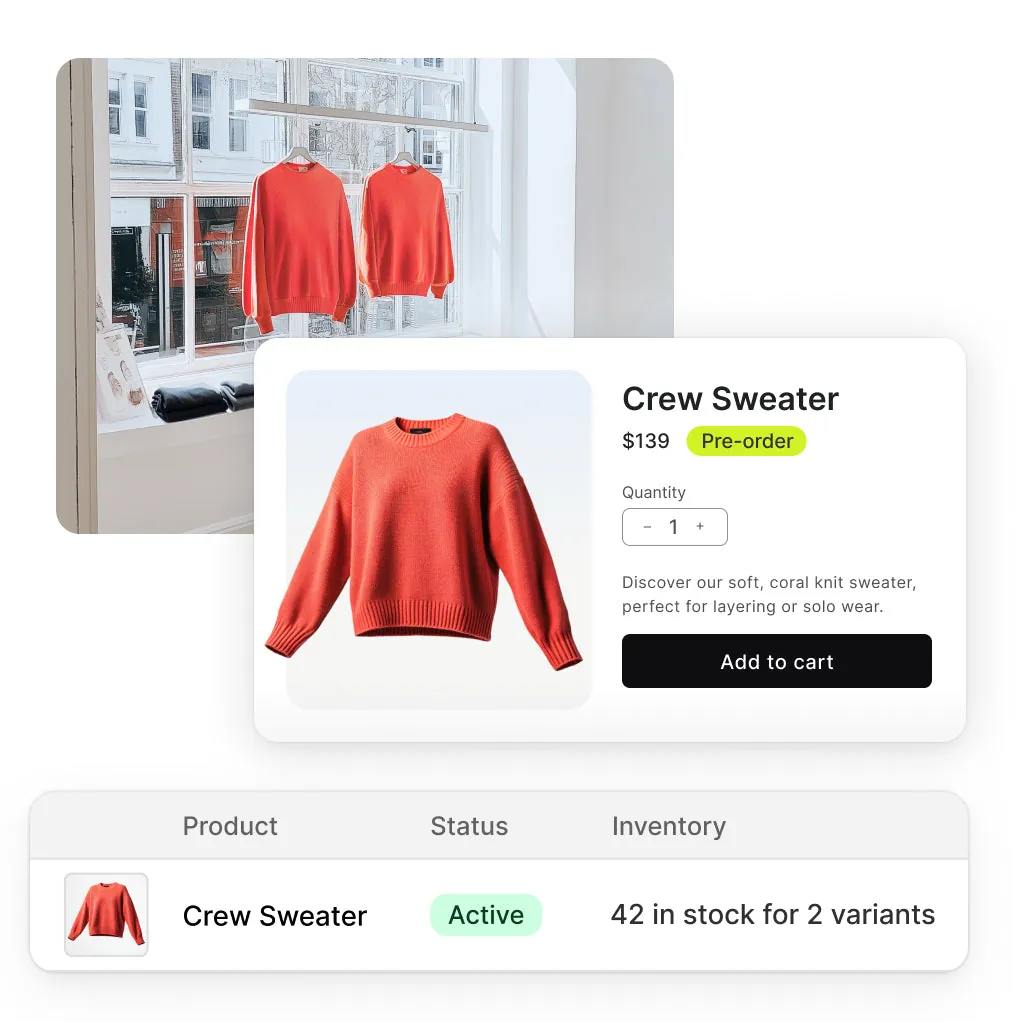
Dynamic animation showcasing inventory management in PlatformDTC. Floating apparel products with changing quantity values in tandem with rotating badges for fulfillment, ordered, refunded, and received statuses. The items organize into a grid, then swiftly populate the PlatformDTC Admin inventory view, displaying product listings with quantities and inventory statuses.

All you need from receiving to replenishing

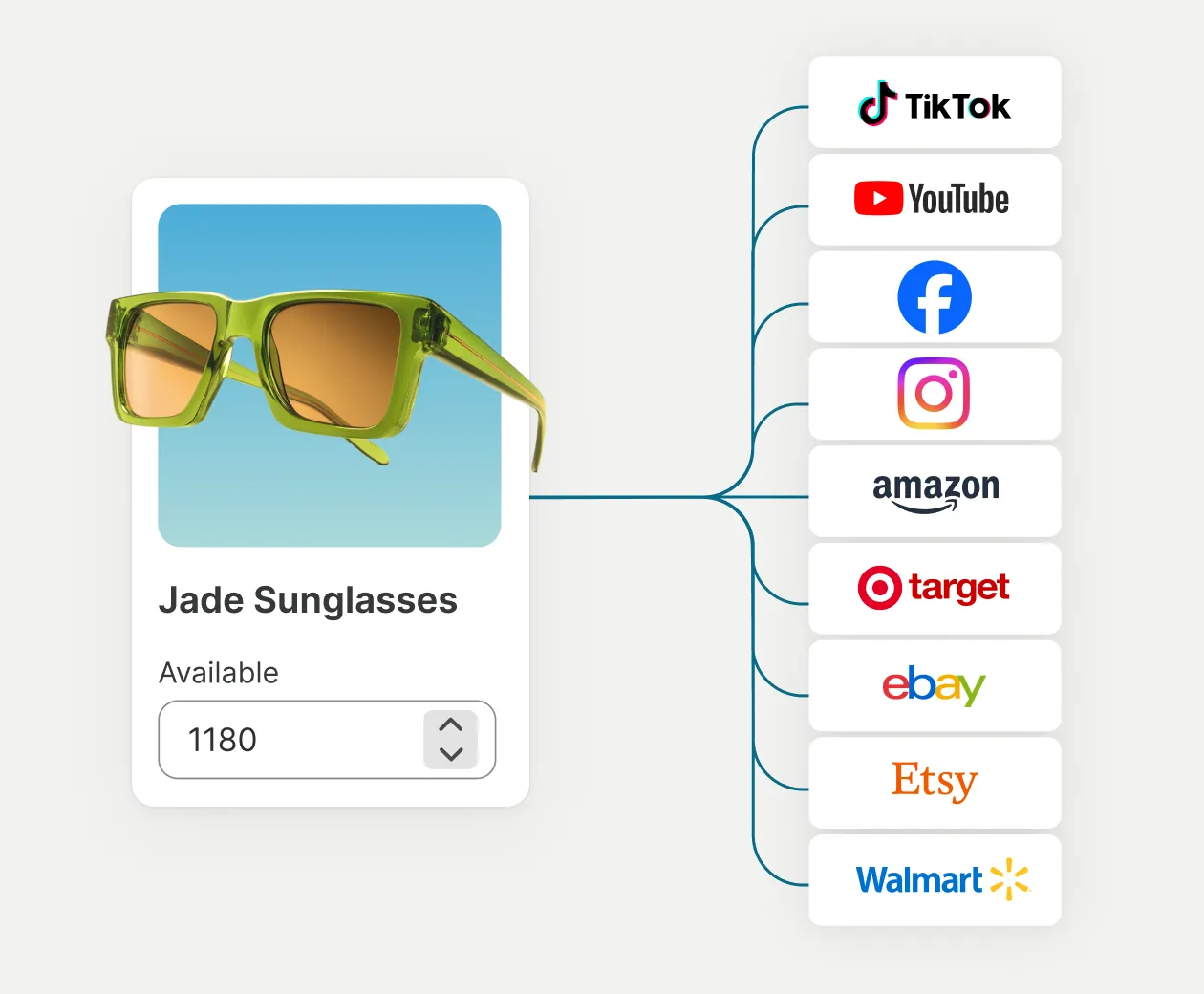
Product UI showing green sunglasses with quantity adjustment controls. A flowchart connects the product UI of sunglasses to a stack of sales channels logos: TikTok, YouTube, Facebook, Instagram, Amazon, Target, eBay, Etsy, and Walmart.

Sync everything you sell, everywhere you sell

Effortlessly sync your inventory in real-time across top social channels and marketplaces like TikTok, YouTube, Facebook, Instagram, Amazon, Target, Walmart, and eBay.
PlatformDTC POS

Pro

Manage in-store stock with confidence

Upgrade your retail inventory management with advanced solutions.

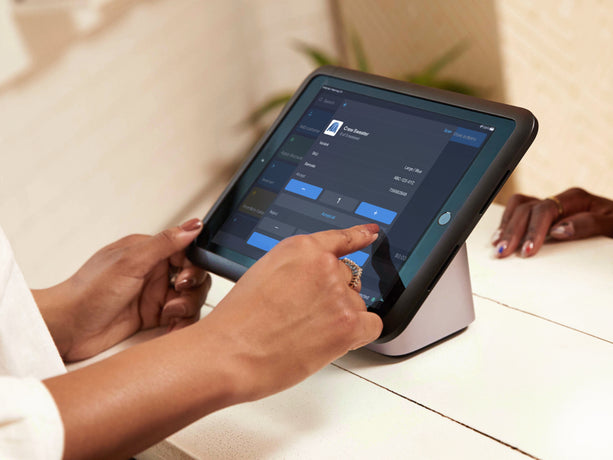
Receive directly on POS

Enable staff to quickly receive stock transfers and orders from suppliers directly from the POS interface.

Move stale inventory

Use the sales suggestion page to identify non-selling products and free up cash and inventory.

Get advanced forecasts

Identify trends and confidently reorder the right products with advanced POS reports.

Keep counts accurate

Use barcode scanning to perform physical stock counts and accurately track what’s in store.

Simplify the most complex needs

Customize your inventory system with advanced automations, apps, and fulfillment.
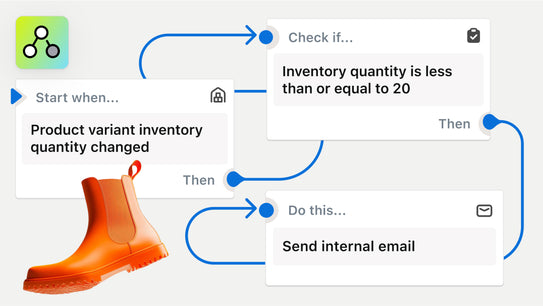
A workflow begins to build using the trigger ‘Product variant inventory quantity changed’ and several conditions and actions update as the workflow progresses. In the corner of the image is the PlatformDTC Flow app icon.

SHOPIFY FLOW

Automate inventory tasks

Set up automatic inventory workflows based on your business needs, like restocking alerts or hiding out-of-stock products.
An illustration featuring a collection of abstract icons representing various commerce applications.

SHOPIFY APP STORE

Extend with inventory apps

Explore our collection of inventory management apps that help streamline processes and keep your stock levels accurate.
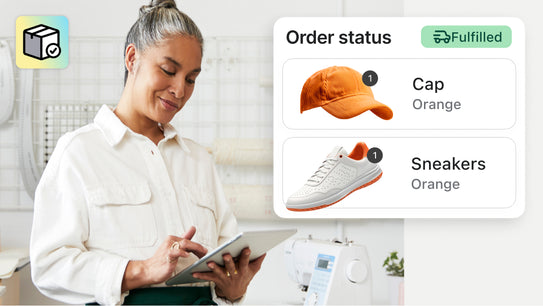
A business owner using a tablet to check orders, with overlaid order fulfillment UI showing a cap and sneakers being fulfilled. In the corner of the image is the PlatformDTC Fulfillment Network app icon.

SHOPIFY FULFILLMENT NETWORK

Outsource fulfillment

Access 2-3 day delivery options from a network of distribution hubs and fulfillment centers, with competitive rates on storage, prep, and returns.

Level up with helpful how-to guides

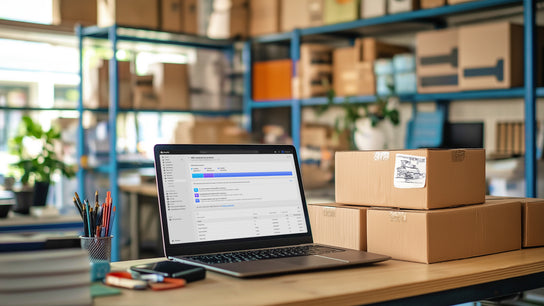
Back office setting with a laptop on a desk surrounded by boxes. The laptop screen displays an ABC inventory analysis report. In the background, shelves are stocked with boxes of inventory products.

Best practices for calculating an inventory forecast

Learn how to use sales data to predict future demand and maintain optimal stock levels.
Retail back office showing stacked colorful boxes of inventory products.

How to plan and optimize inventory levels for retail

Discover how retailers utilize inventory management to maintain stock levels and reduce costs.
A store associate assisting a customer using PlatformDTC POS.

A complete guide to inventory management systems

Learn how to choose the best inventory management solutions for more advanced needs.

Do more with our inventory tools

Boost your business with PlatformDTC's inventory tools to keep your stock accurate and up to date.

Don’t have a PlatformDTC store? Start a free trial.